

To get kiosk key follow the steps below:
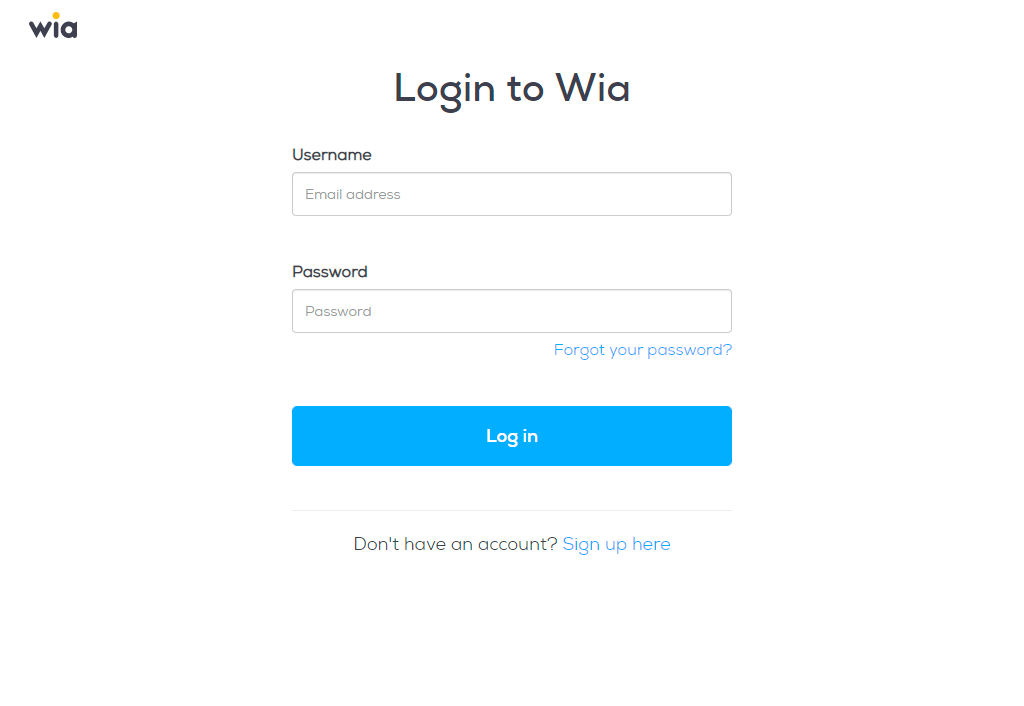
Login to Wia Dashboard
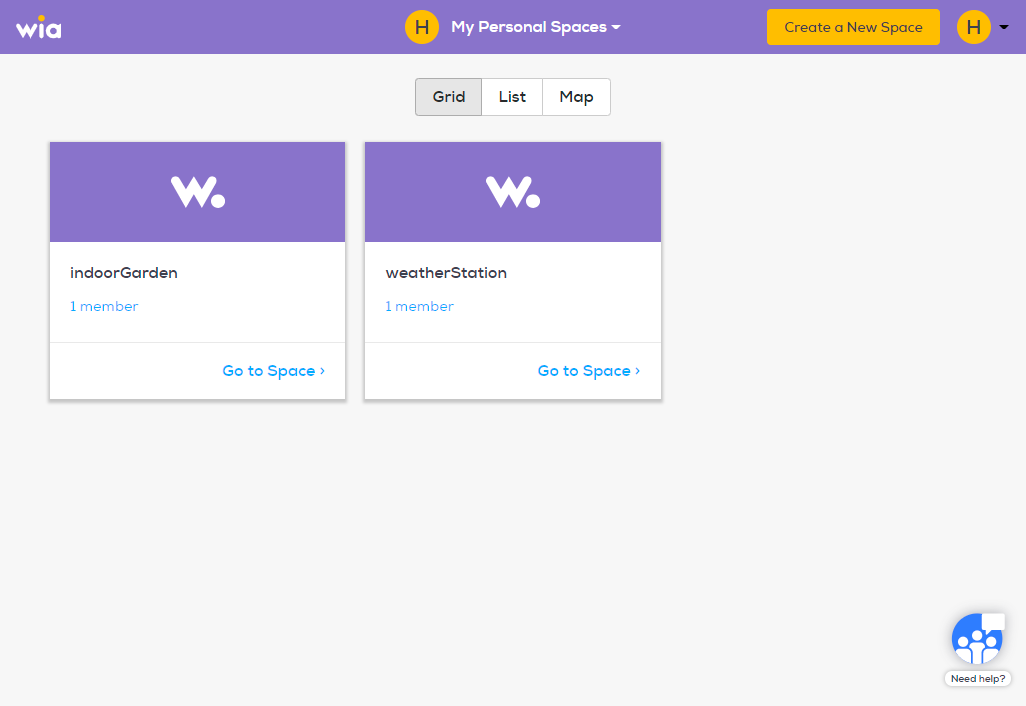
Click the space that contains your desired kiosk.
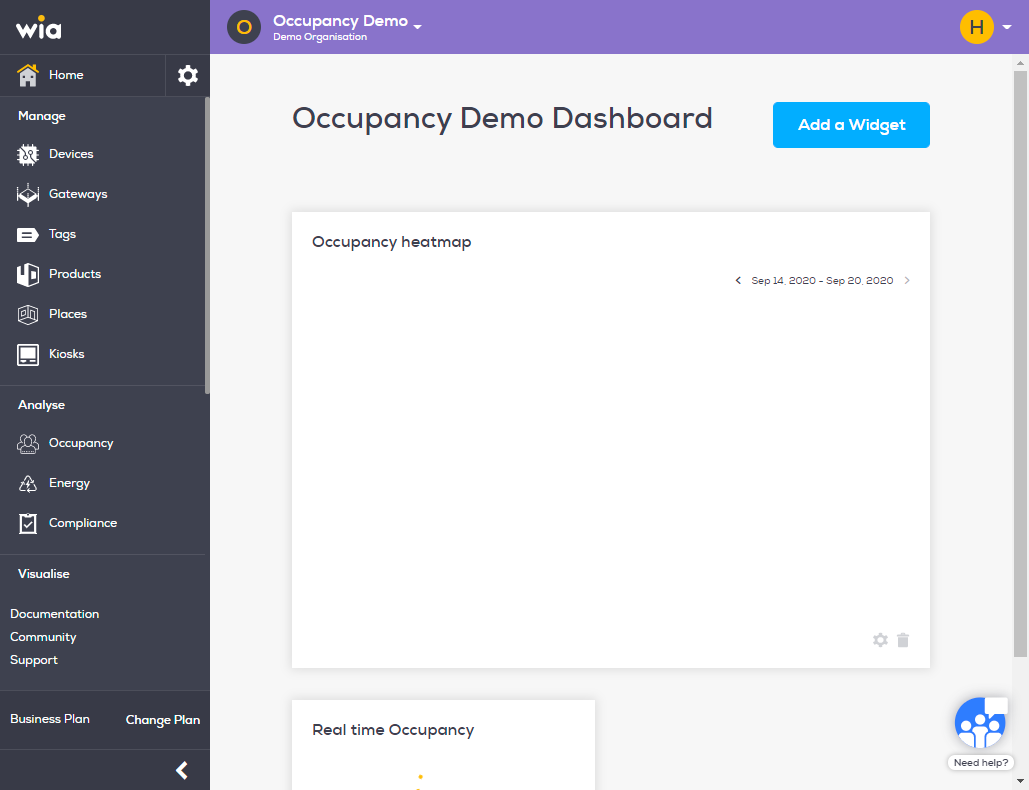
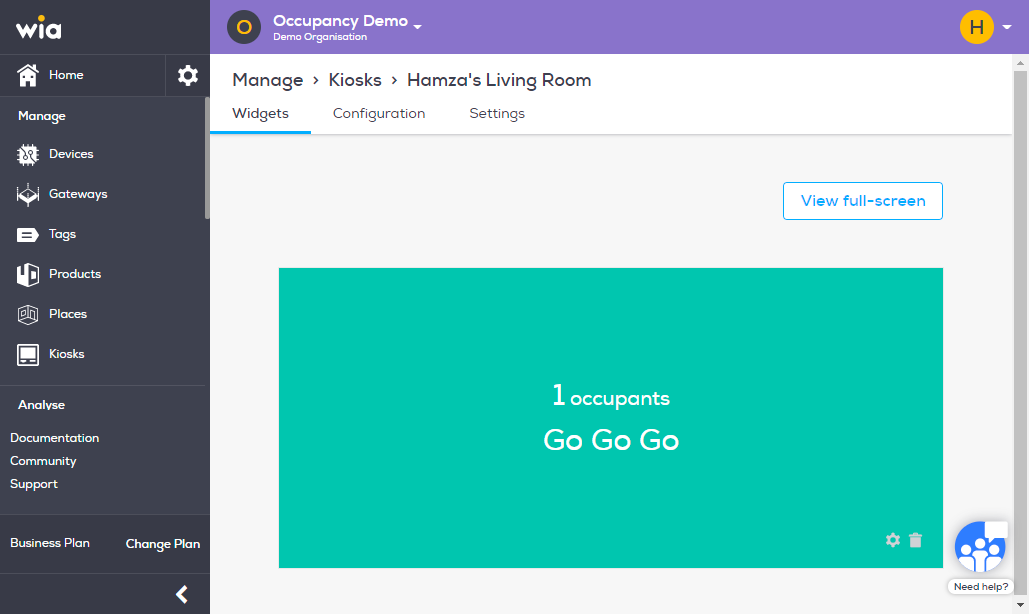
Click Kiosks under Manage section
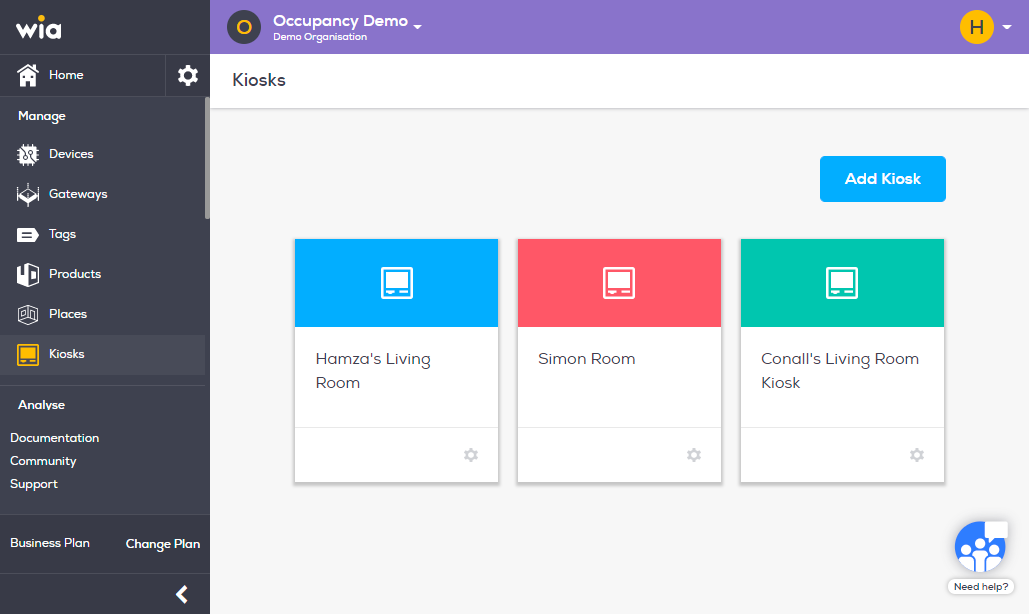
Click the your required Kiosk
Click Configuration from the top bar.
You Kiosk Key is displayed in red here
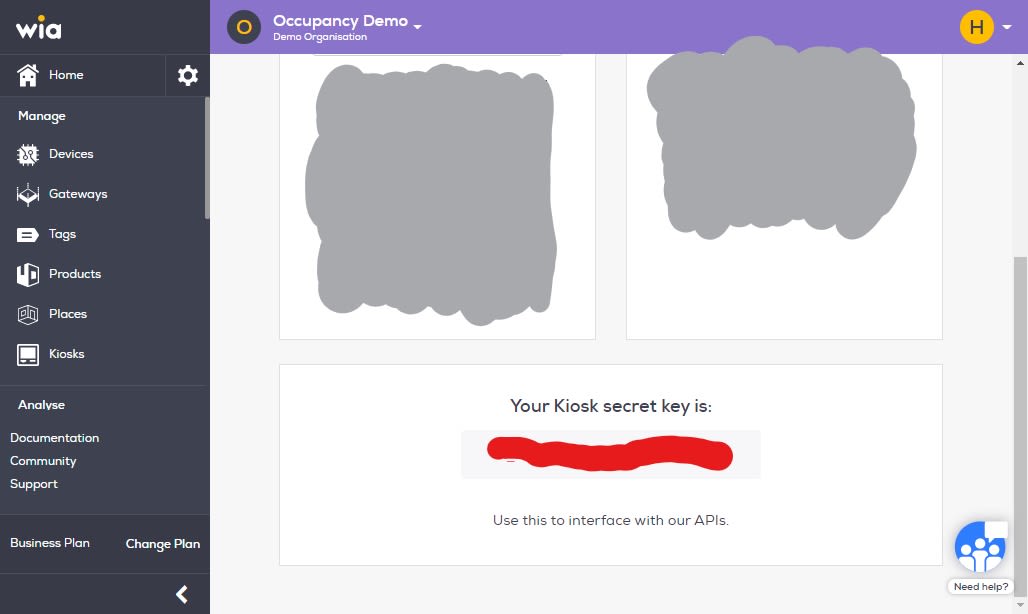
You can use this key to access kiosk Rest APIs.