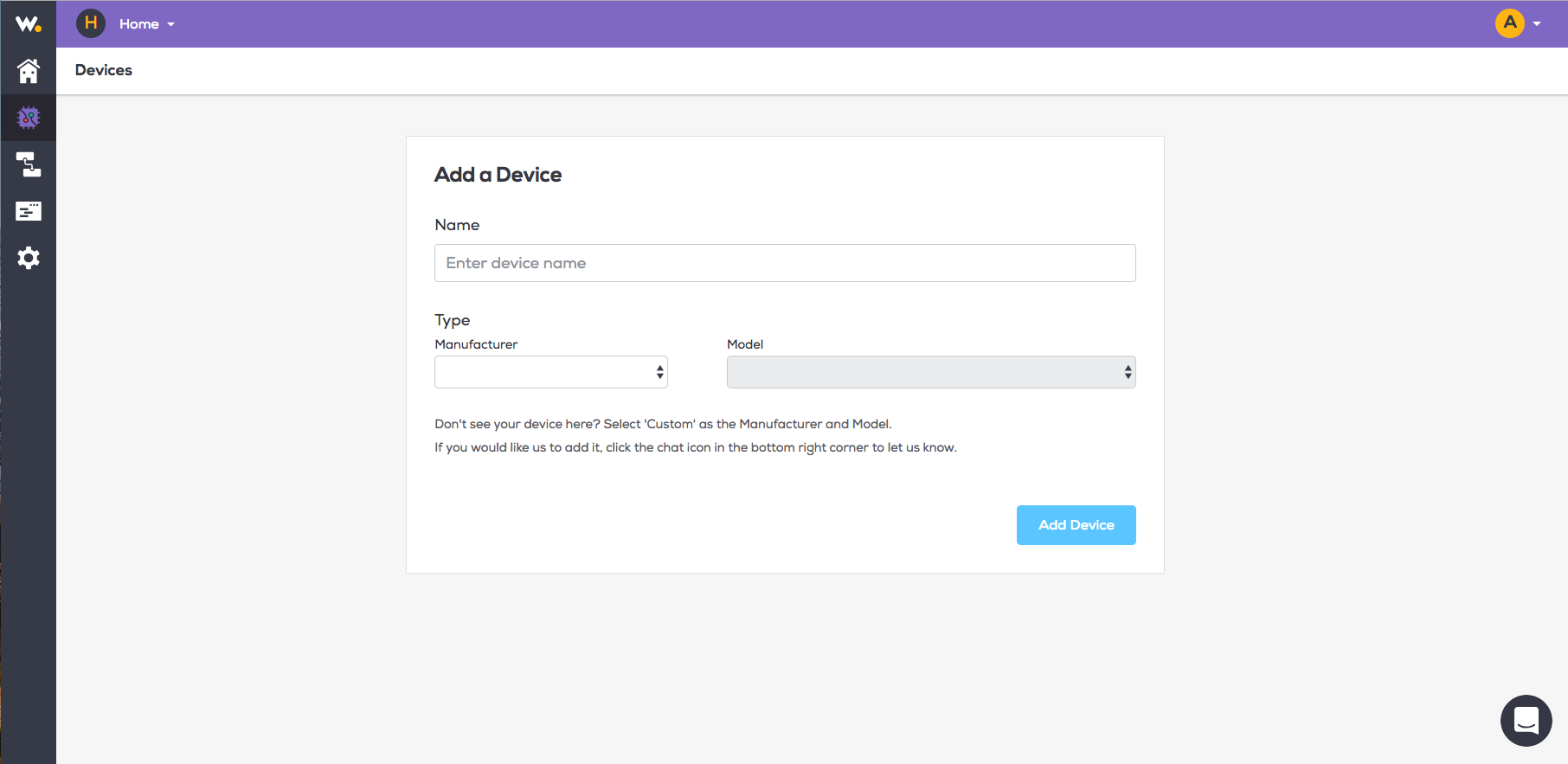
Once you have created a Space you can now add your Devices.
Login to Wia dashboard and goto into your space.
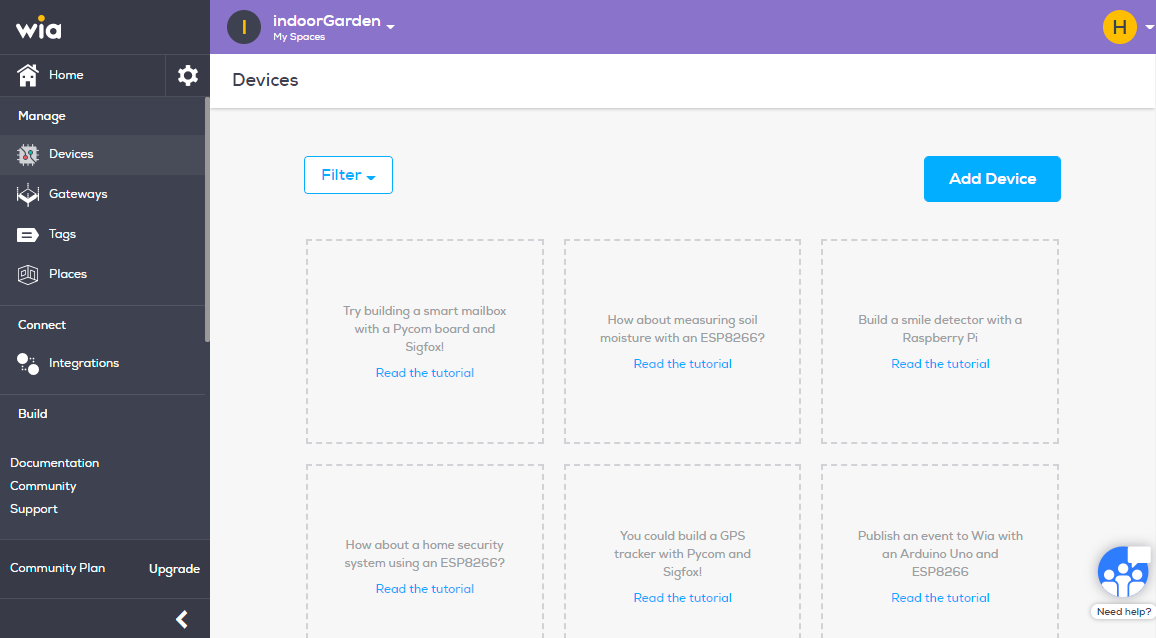
From the menu on the left side click "Devices" under manage section.
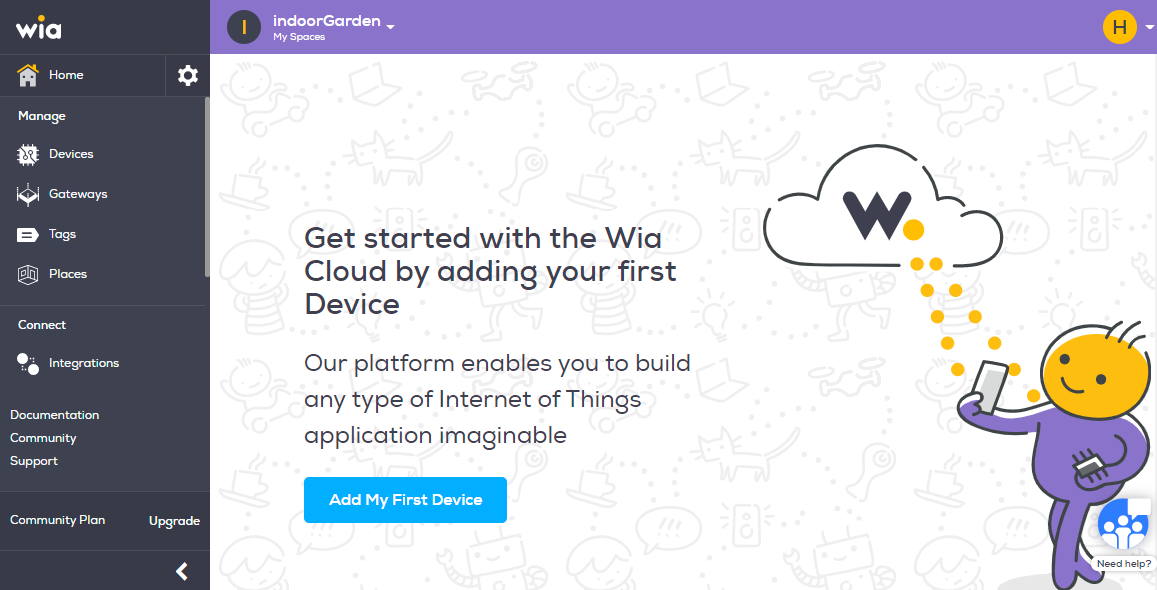
Click the blue "Add Device" button.
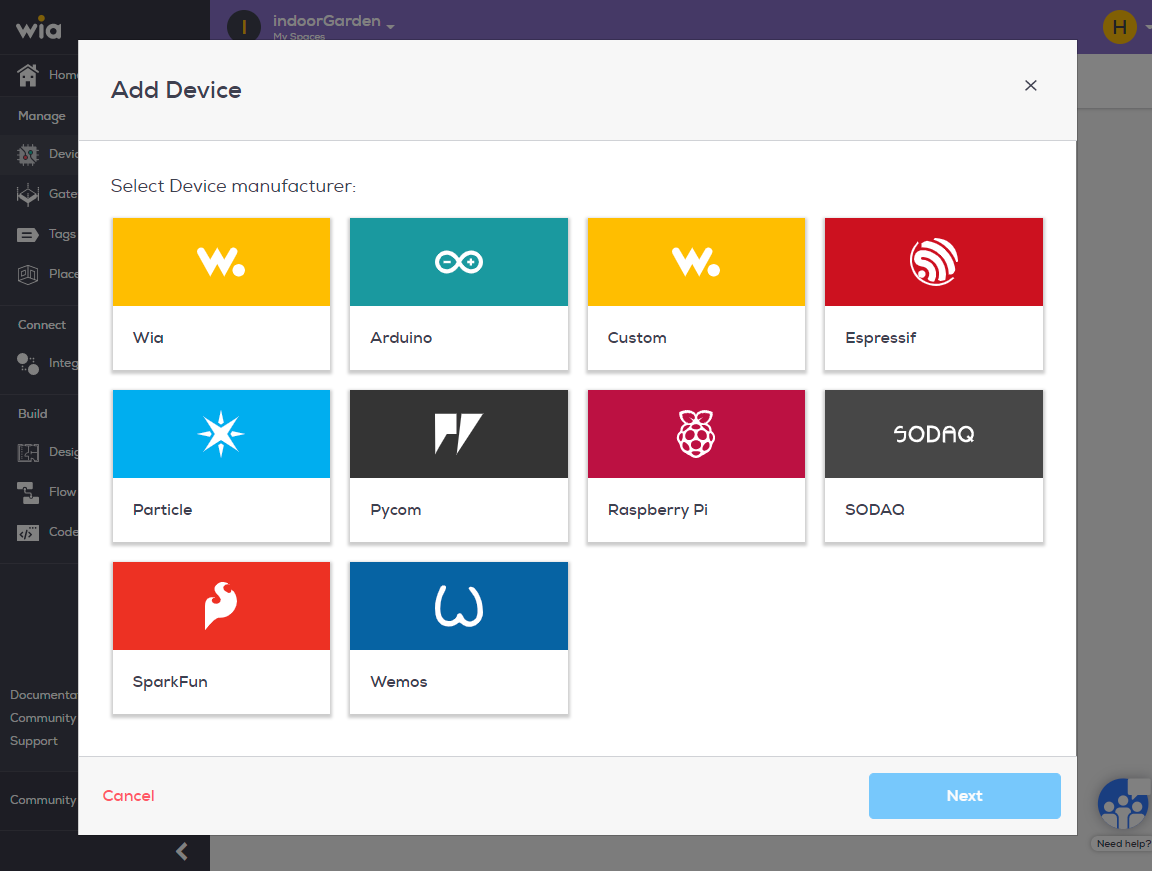
Select the device manufacturer from the list and click next.
Select Device model and click next.
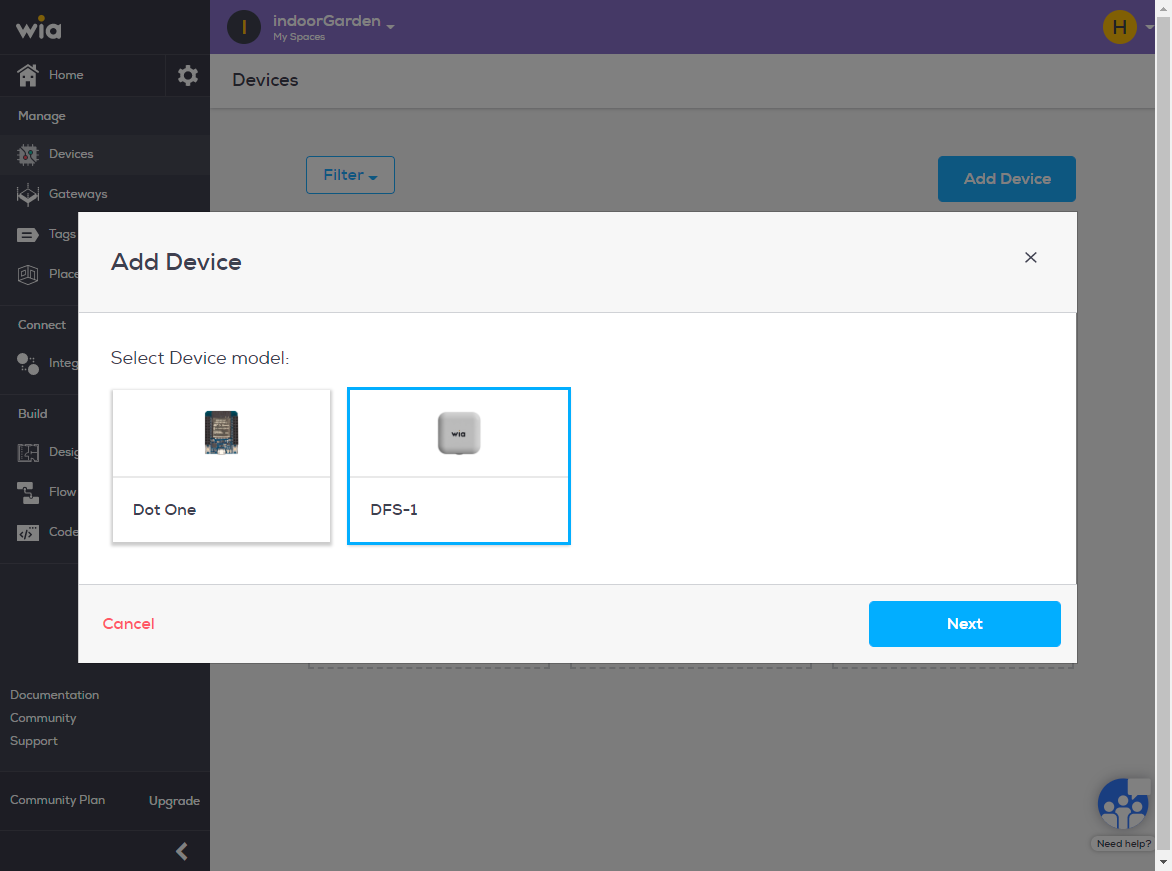
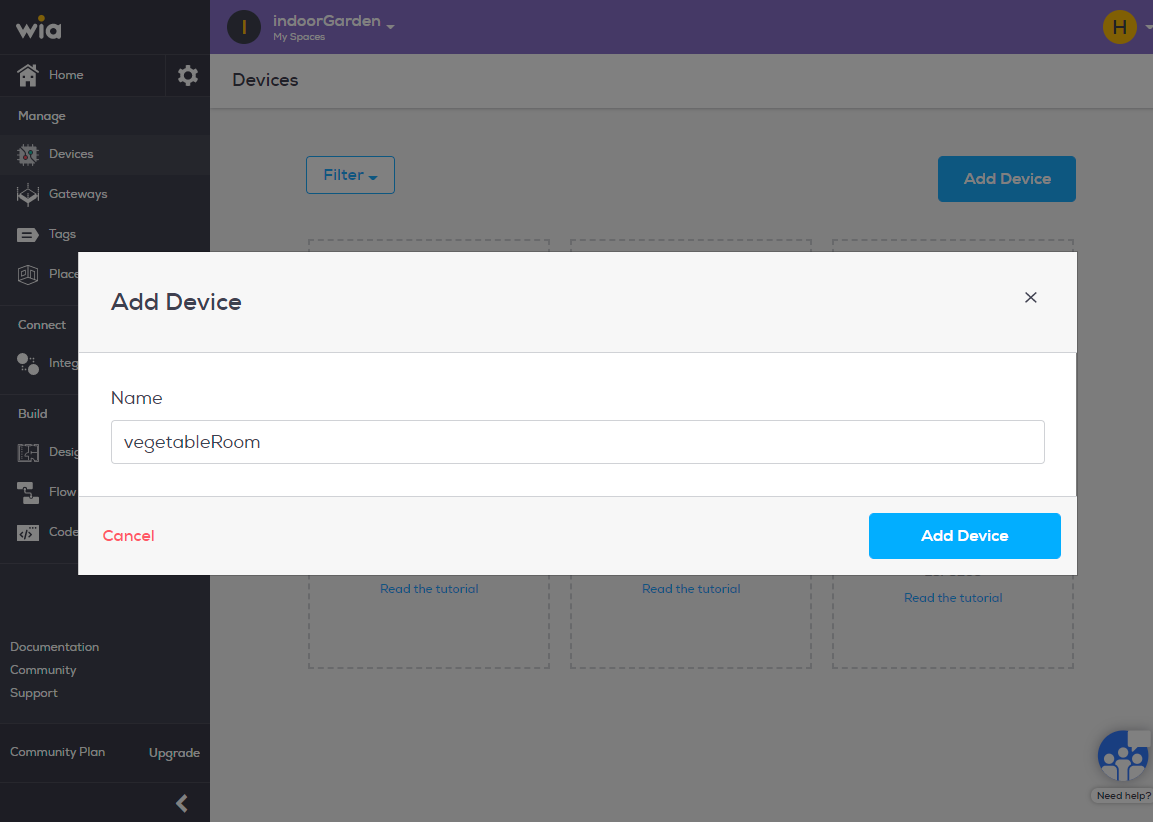
Name your device and click Add Device.
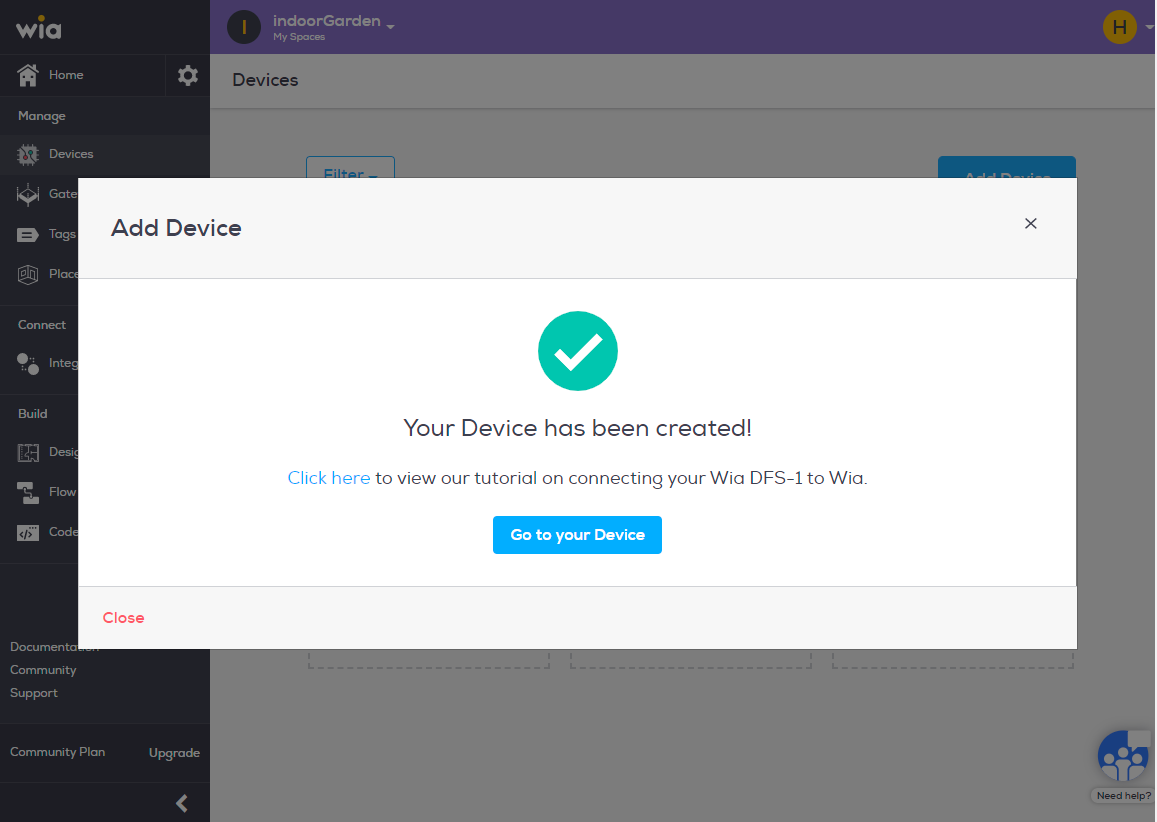
Congratulations you have now created your device.
Option 1: Creating a Device
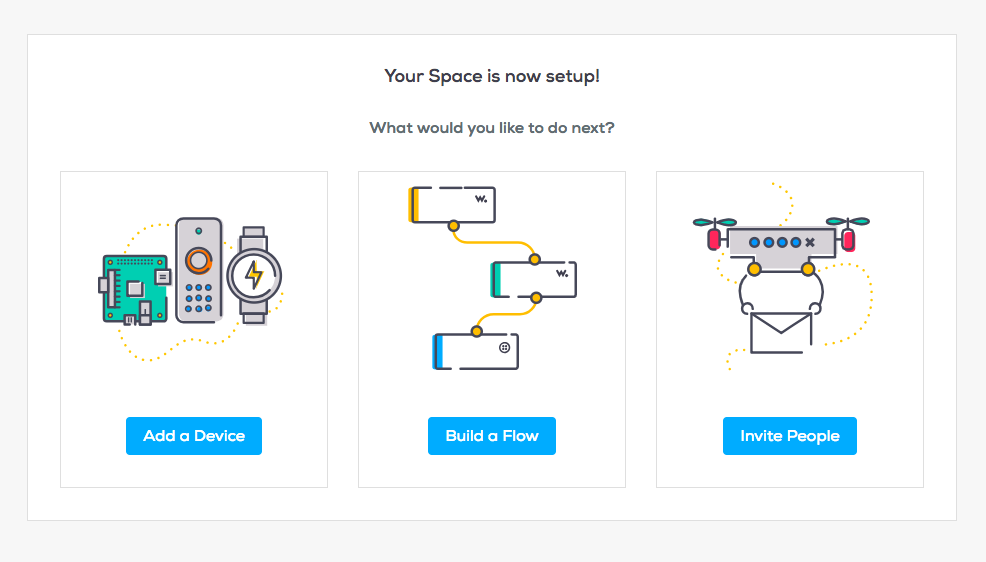
If you have gone through the on-boarding flow, you will see three options: Add a Device, Build a Flow or Invite People. Choose "Add a Device"
Enter the Device name and Type details then click "Add Device"