
To make any type of incoming data compatible to Wia cloud, you can add pipeline to custom Products. To do this follow the steps below:
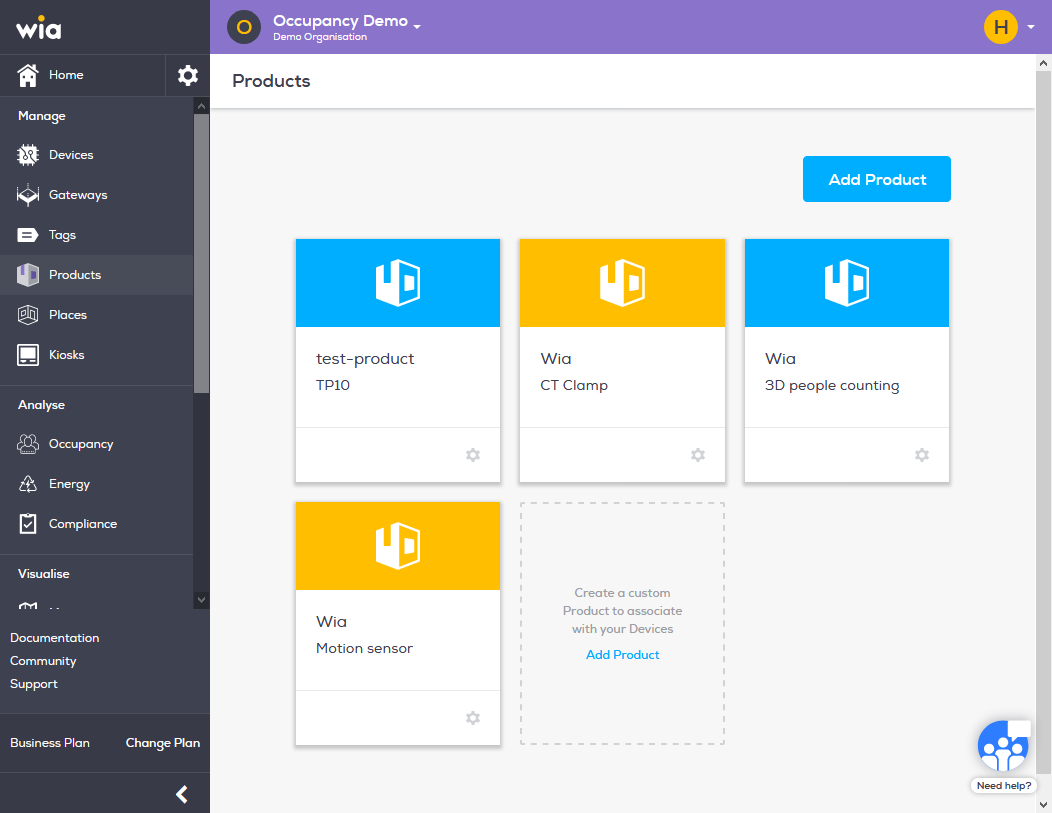
Login to you your Wia dashboard, select the Space where you want to add your Product. Click Products under Manage section. Select the Product you want to add event pipeline to.
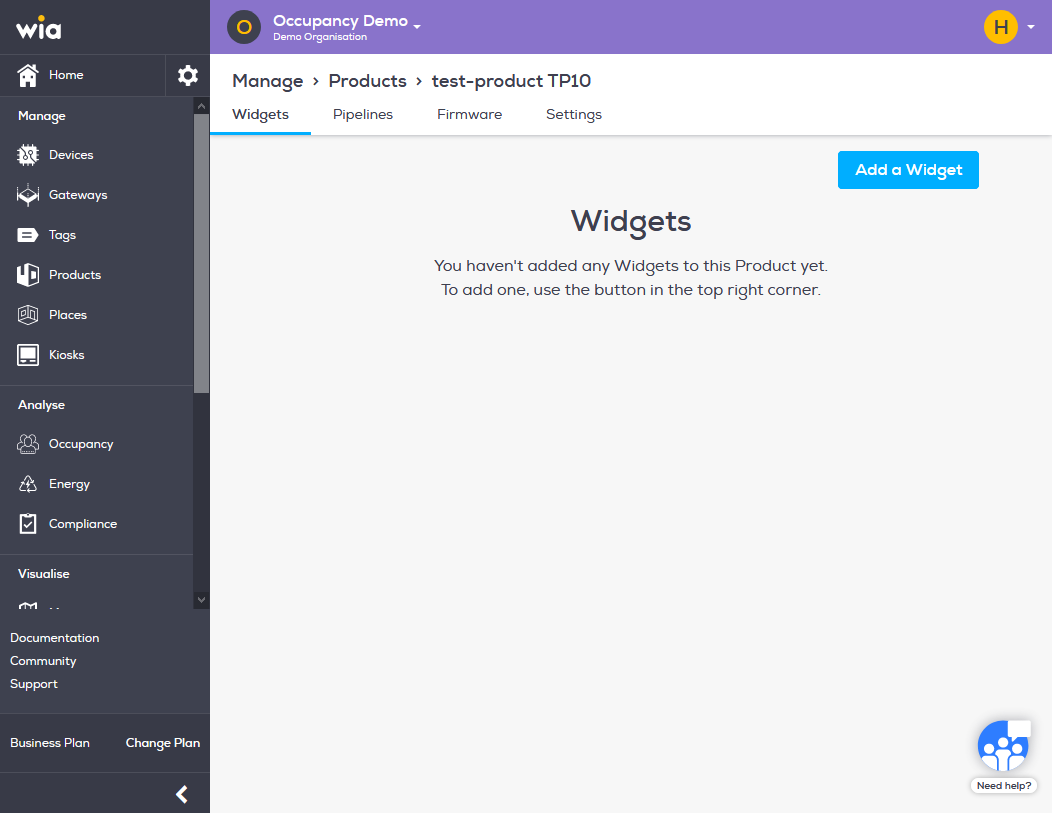
Click Piplelines in the top bar.
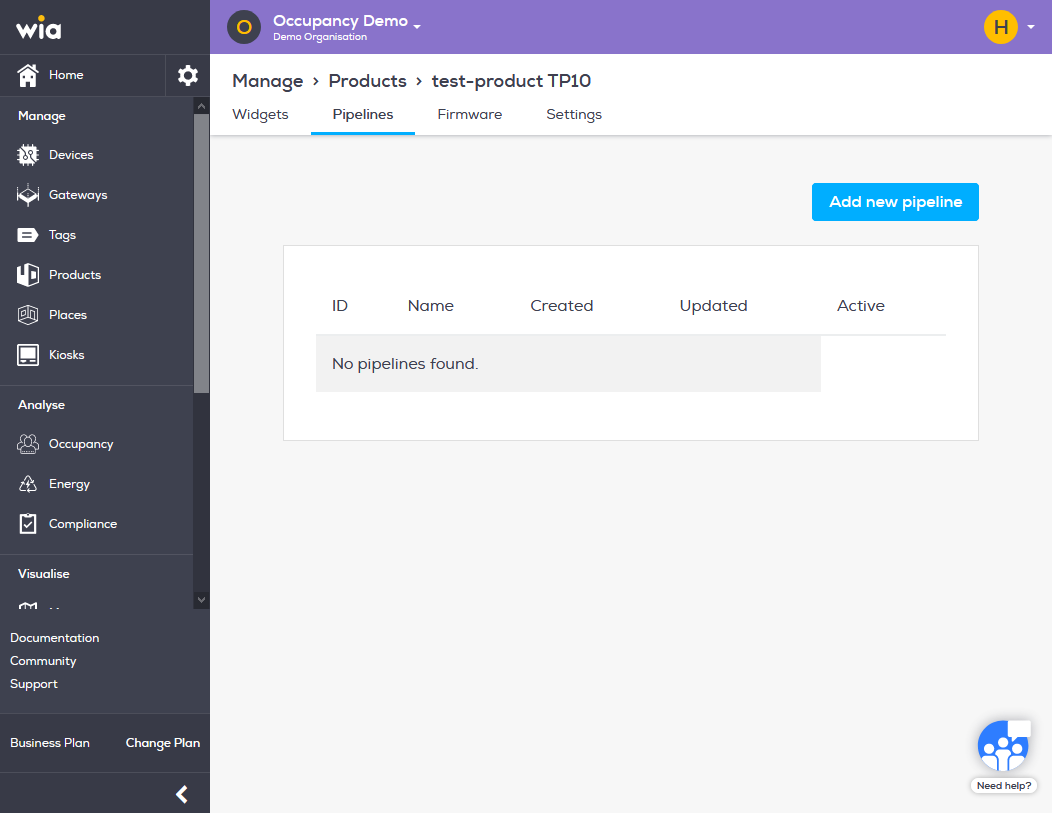
Click Add new pipeline button.
Name your pipeline and insert code for your pipleline. Wia cloud currently support javascript.
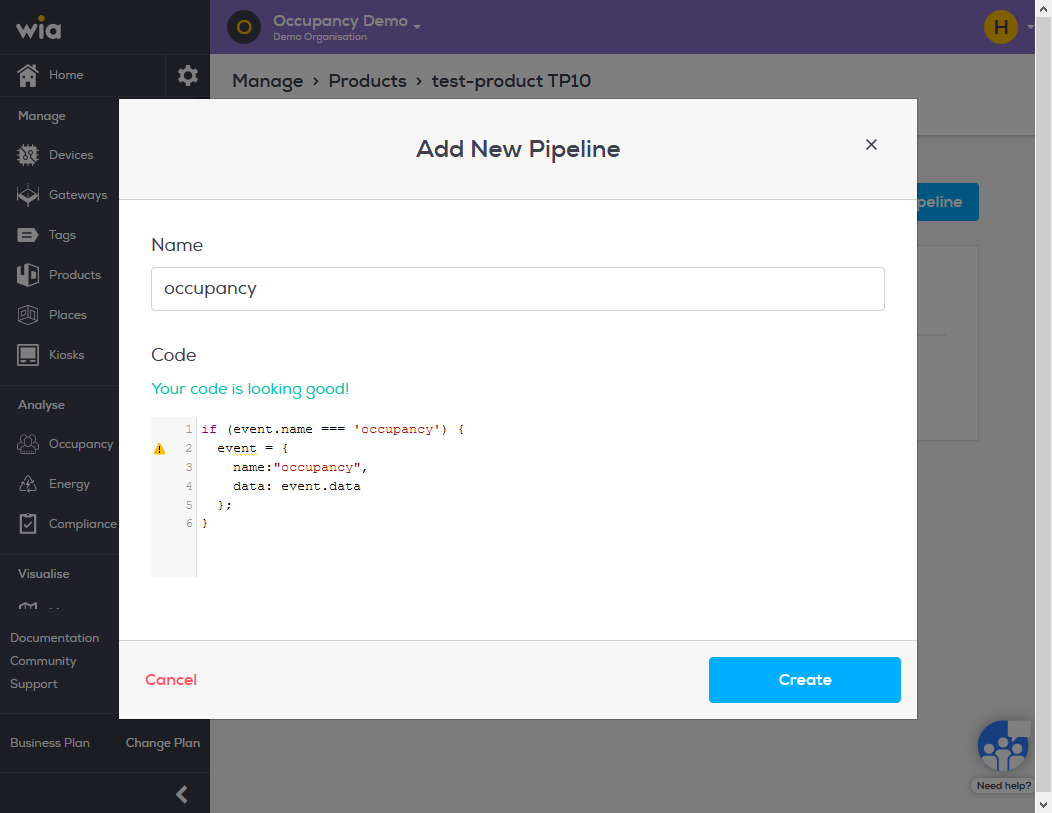
Wia expects incoming data to be transformed into and stored in event object with name and data key. An example code is provided below.
if (event.name === 'occupancy') {
event = {
name: "occupancy",
data: event.count
}
}
Click create and that's it. You should now this event coming in events for your Device.
