
To get started, login to your Wia account
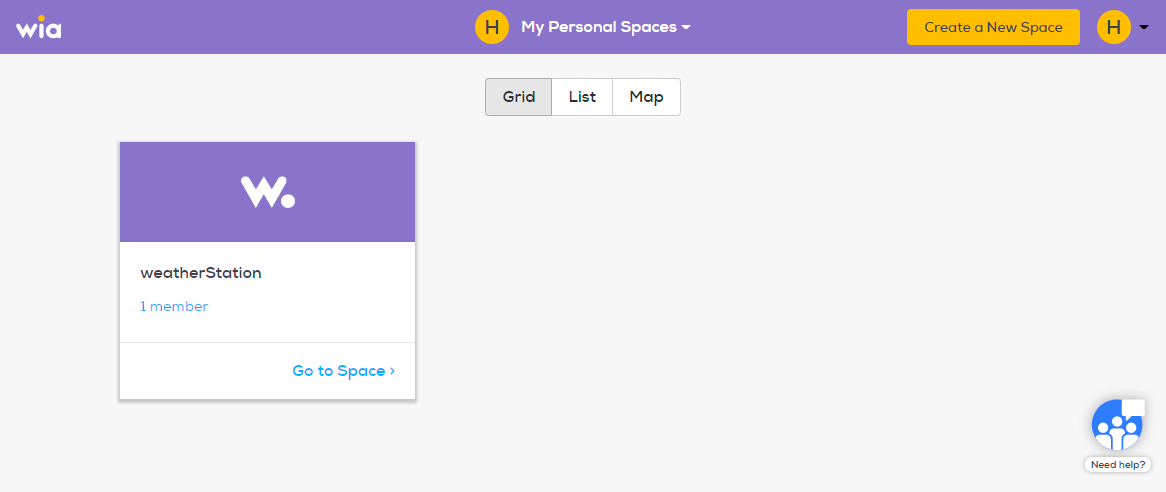
Once you are logged in you are able to create your first Space by clicking the yellow "Create a New Space" button.
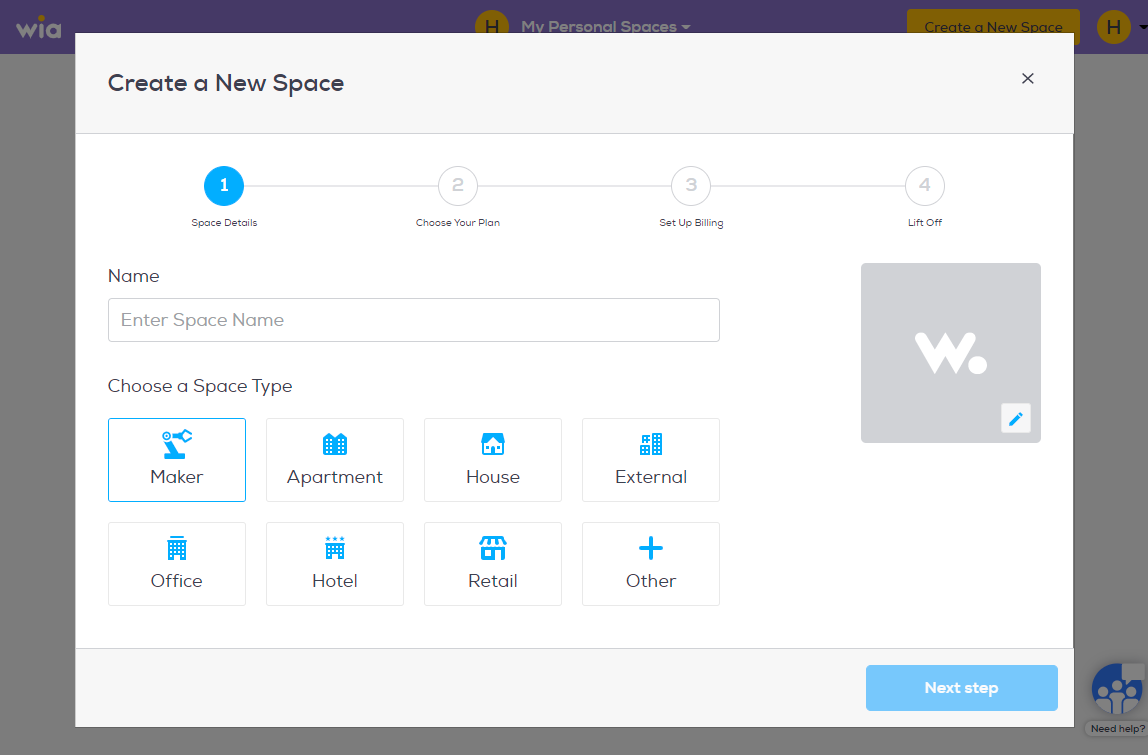
Name your Space and choose a space type. Click "Next Step".
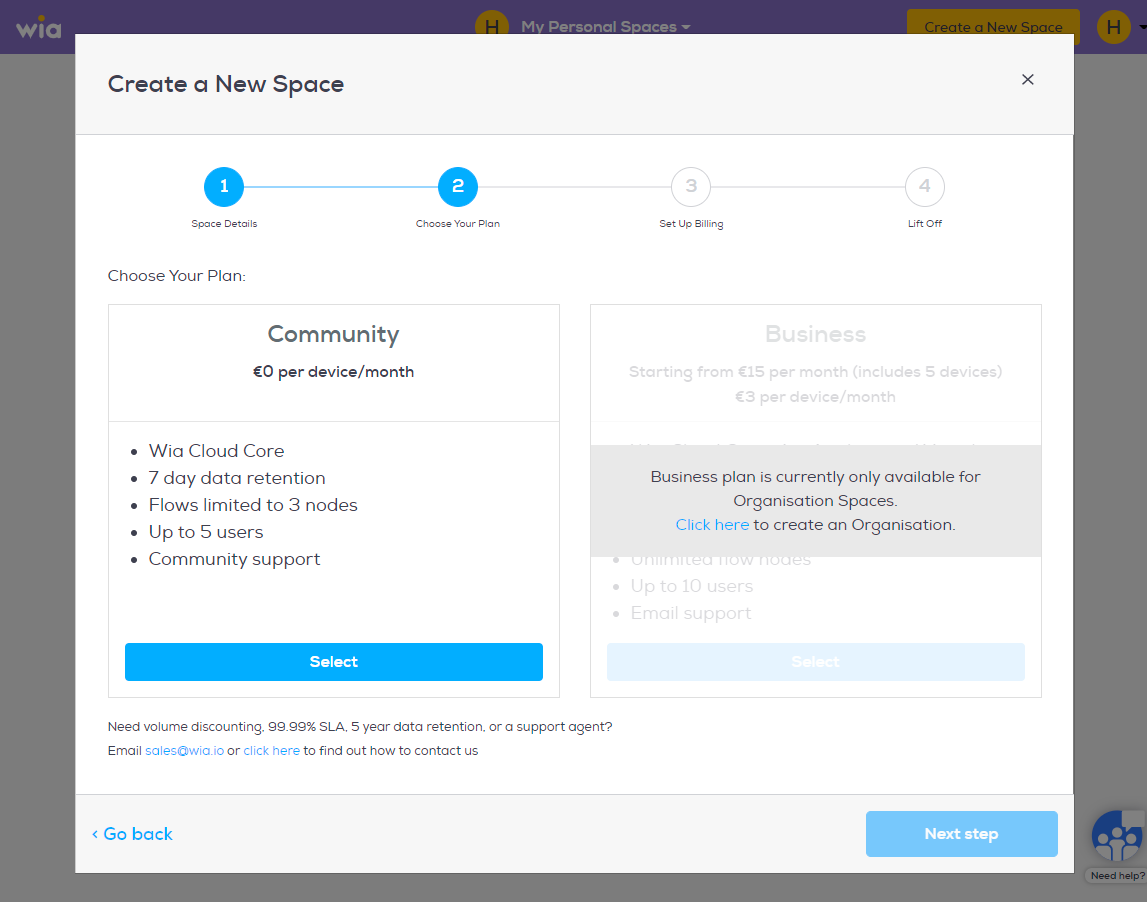
Choose your plan and click "Next Step".
Now that you have created a Space you can Add a Device, Build a Flow or Invite People
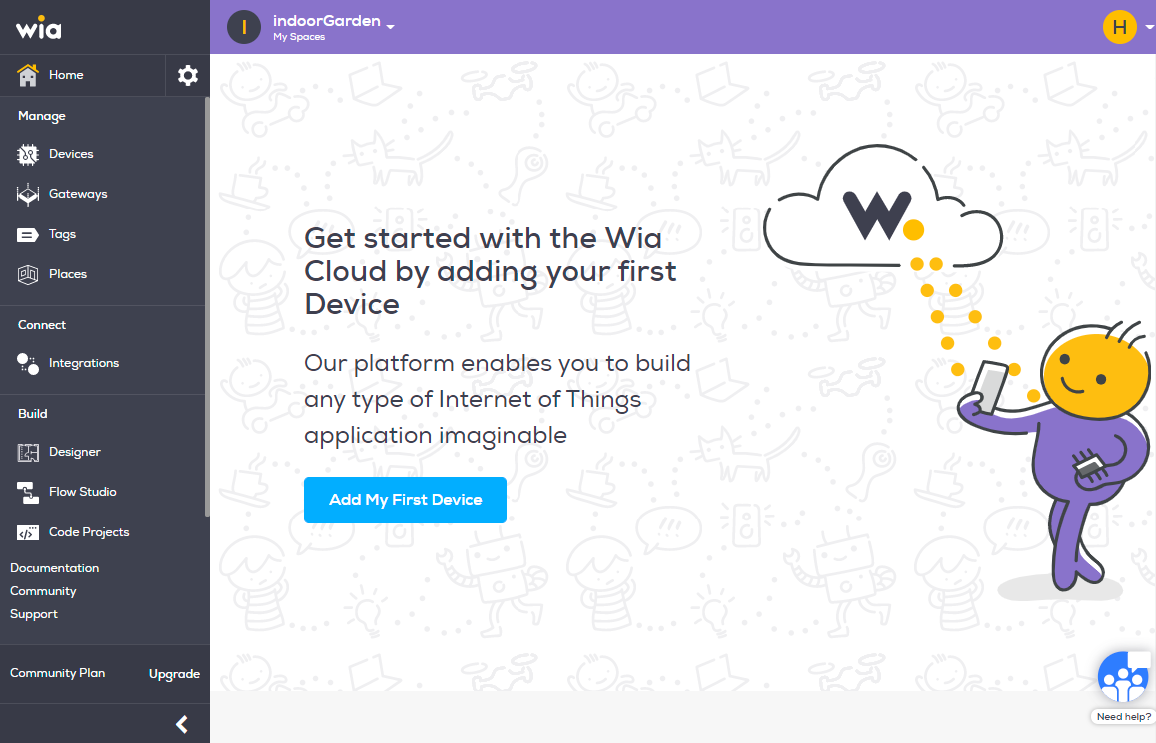
We recommend adding a Device first, which you can find a step-by-step tutorial Add a Device
