
This is only available to paid users.
You can use Kiosks without Android provisioning by following the steps below.
Steps on Wia Cloud
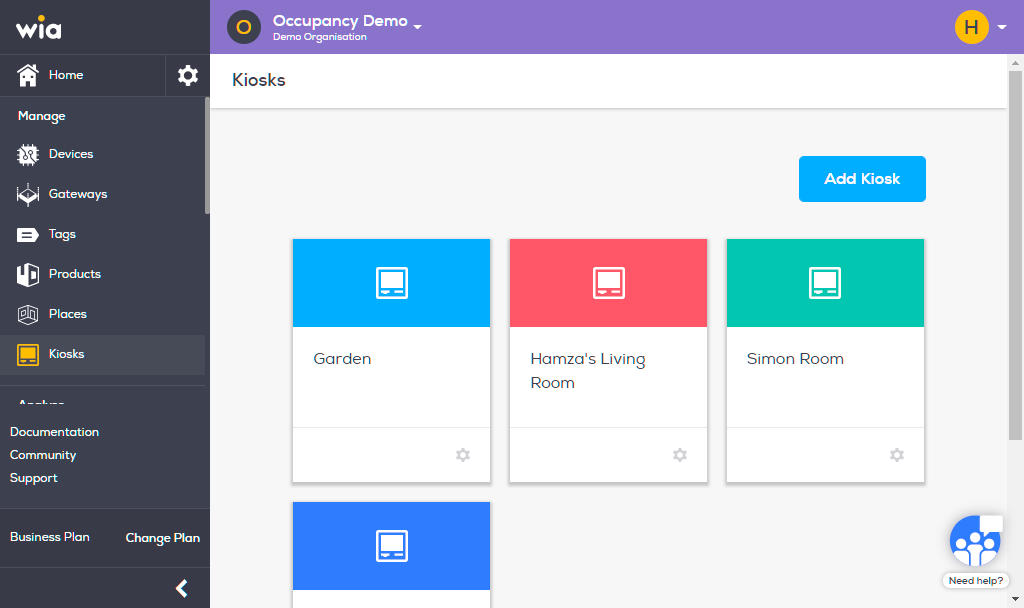
Login to you your wia dashboard, select the space that includes your kiosk and navigate to Kiosk. Details steps are can be found here. Select the kiosk that you want to use to provision android device with.
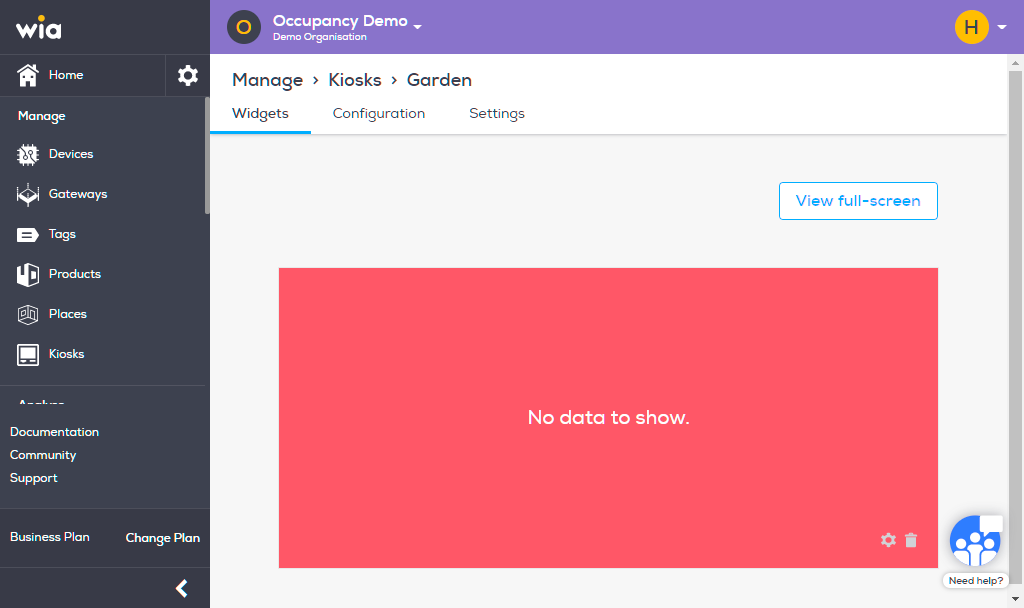
Navigate to Configuration on the top bar.
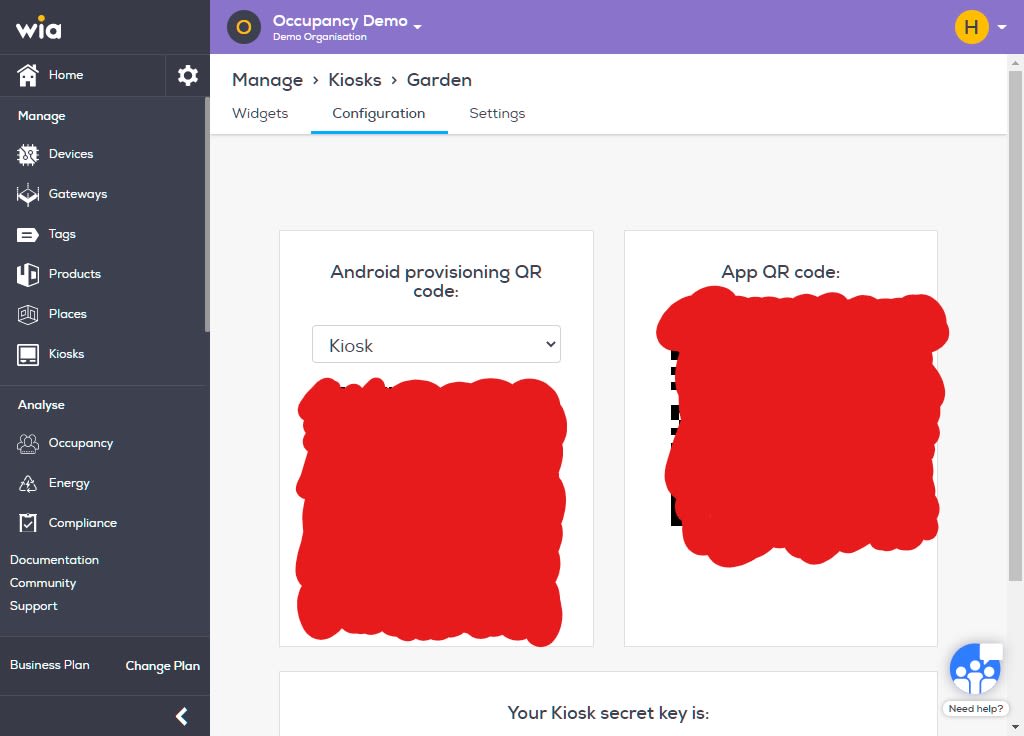
The QR code under App QR code will be used in the app in the next section.
Steps on Android Device
Click this link and download latest version of "Wia - Creating efficient, human-centric spaces" app from Google Play.
Ensure WiFi, bluetooth and location services are on your device.
Enter the app.
You will be presented with two options: Kiosk Mode and Admin Mode. Select Kiosk Mode.
This will prompt you to select a camera view, select which ever is convient and scan the "App QR code" from the configuration page of Kiosk on Wia Cloud as in the previous step.
You will now be redirected to Kiosk screen on the app. You will begin to see occupancy data from your device displayed here.
