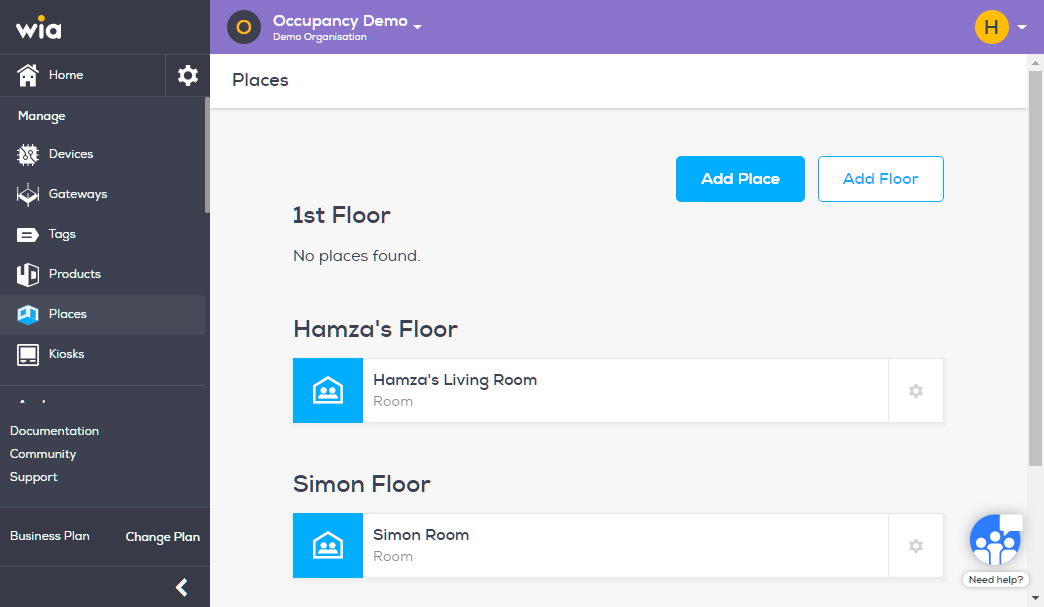
In this section we will create a Floor. A floor can contains multiple Places. Follow the steps below to create a Floor.
Login to you your wia dashboard, select the Space where you wish to create a Floor. Click Places under Manage section.

Click Add Floor button to create a Floor.
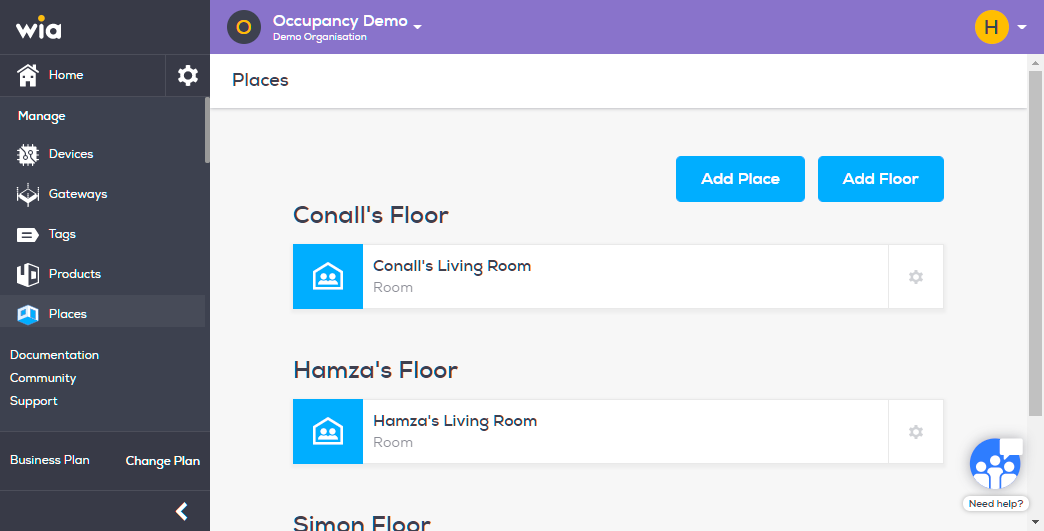
Fill in the required details and click "Create Floor" button.
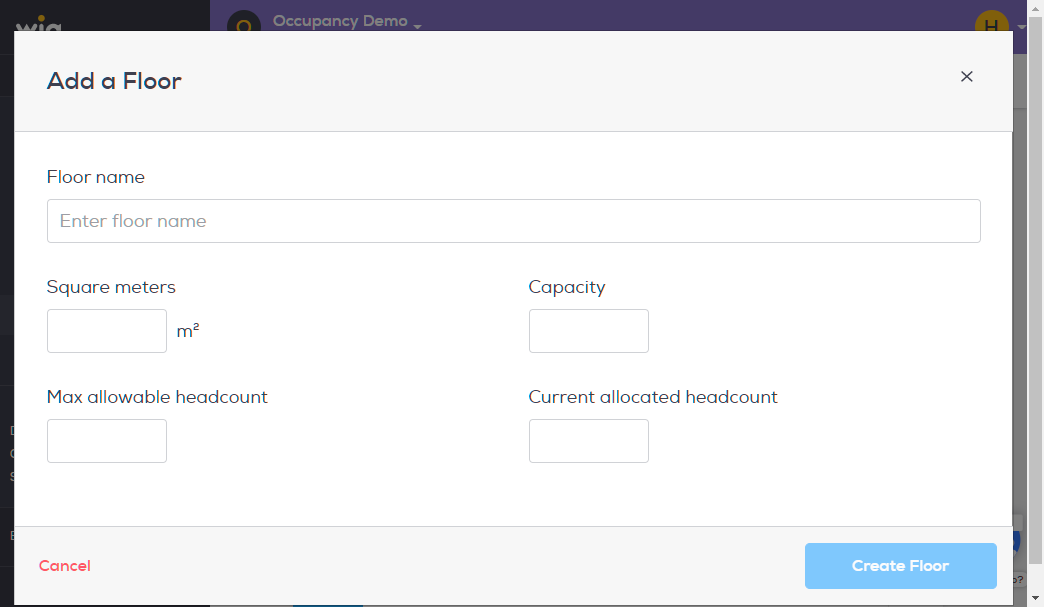
Your Floor has now been created. You can now add Places to it.