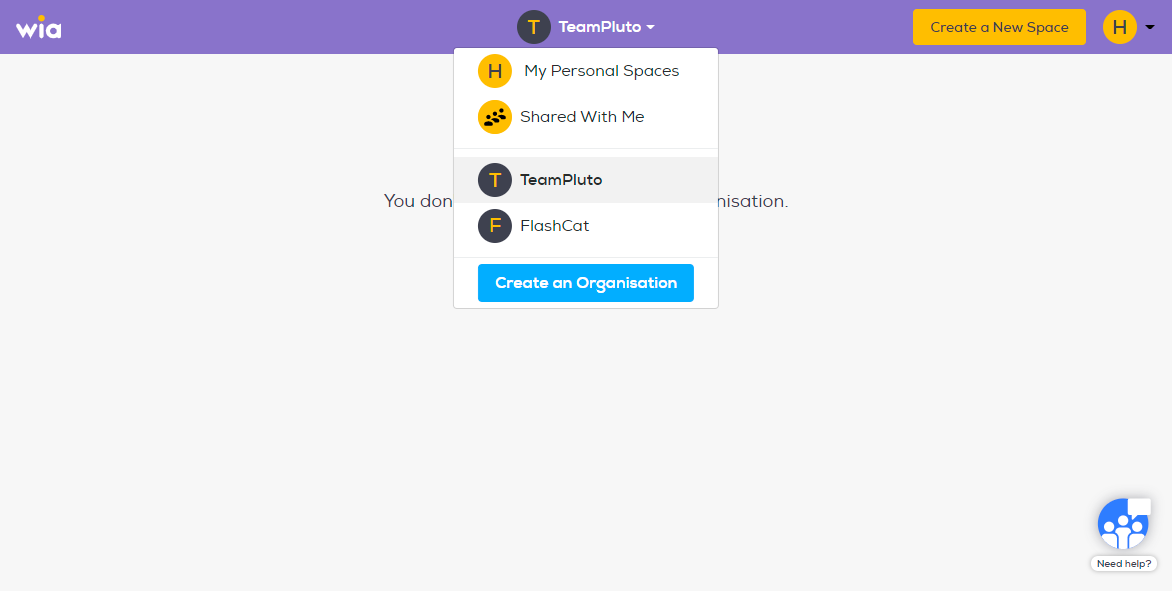
To get started, login to your Wia account
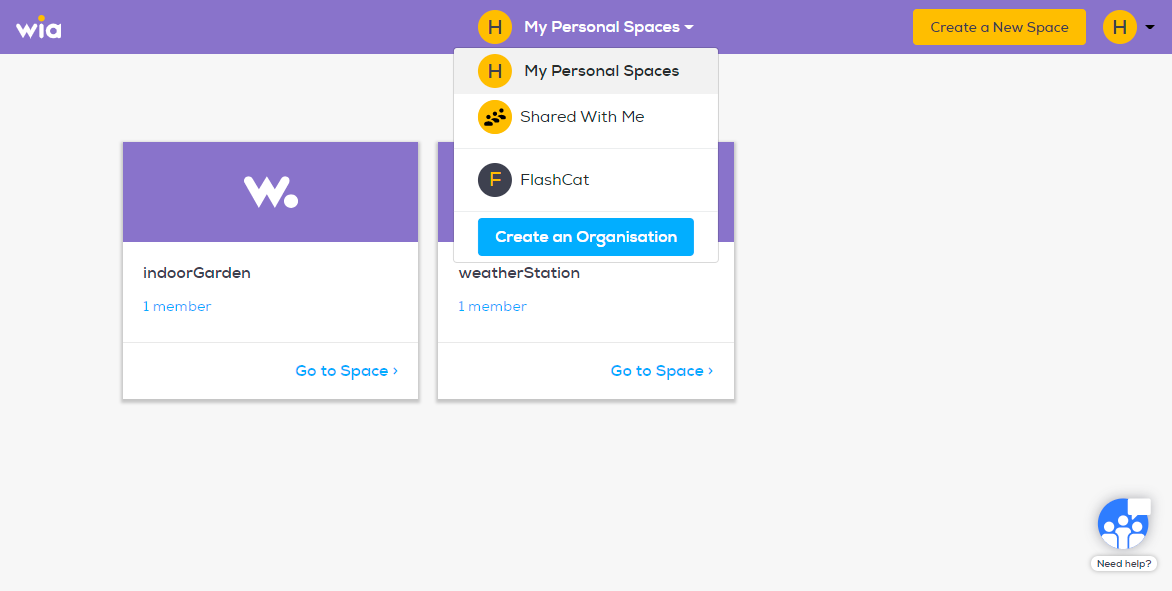
Click "My personal Spaces" on the top center of the wia dashboard. In the dropdown click "Create an Organisation".
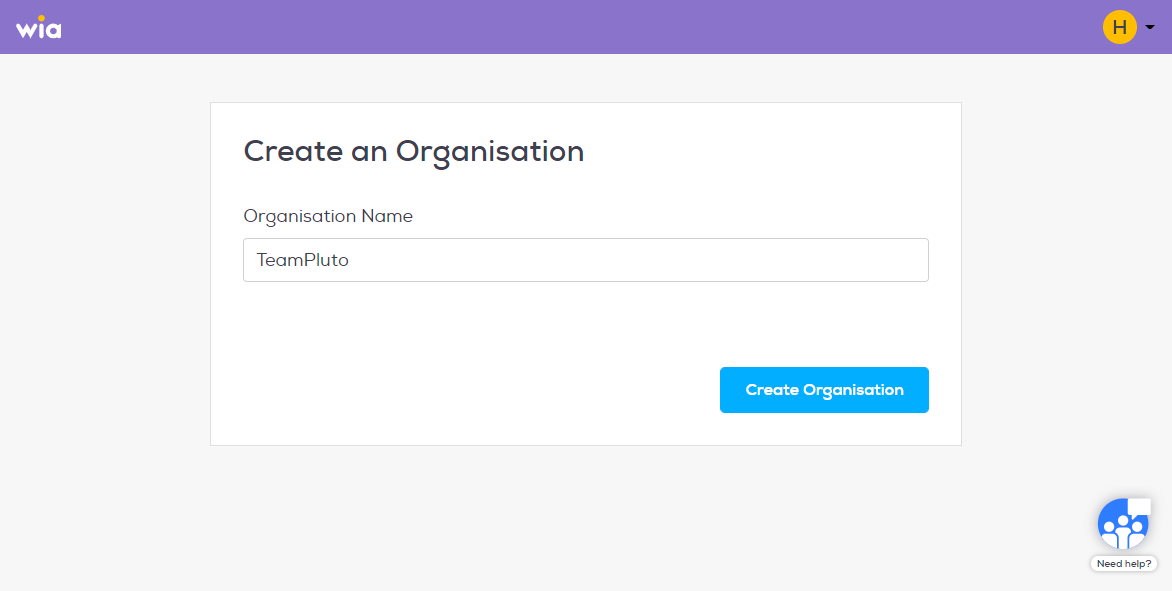
Name your Organisation and click "Create Organisation"
Name your Organisation and click "Create Organisation"
And you are done! To access your Organization click drop down menu in the top center of the dashboard and select your Organisation.