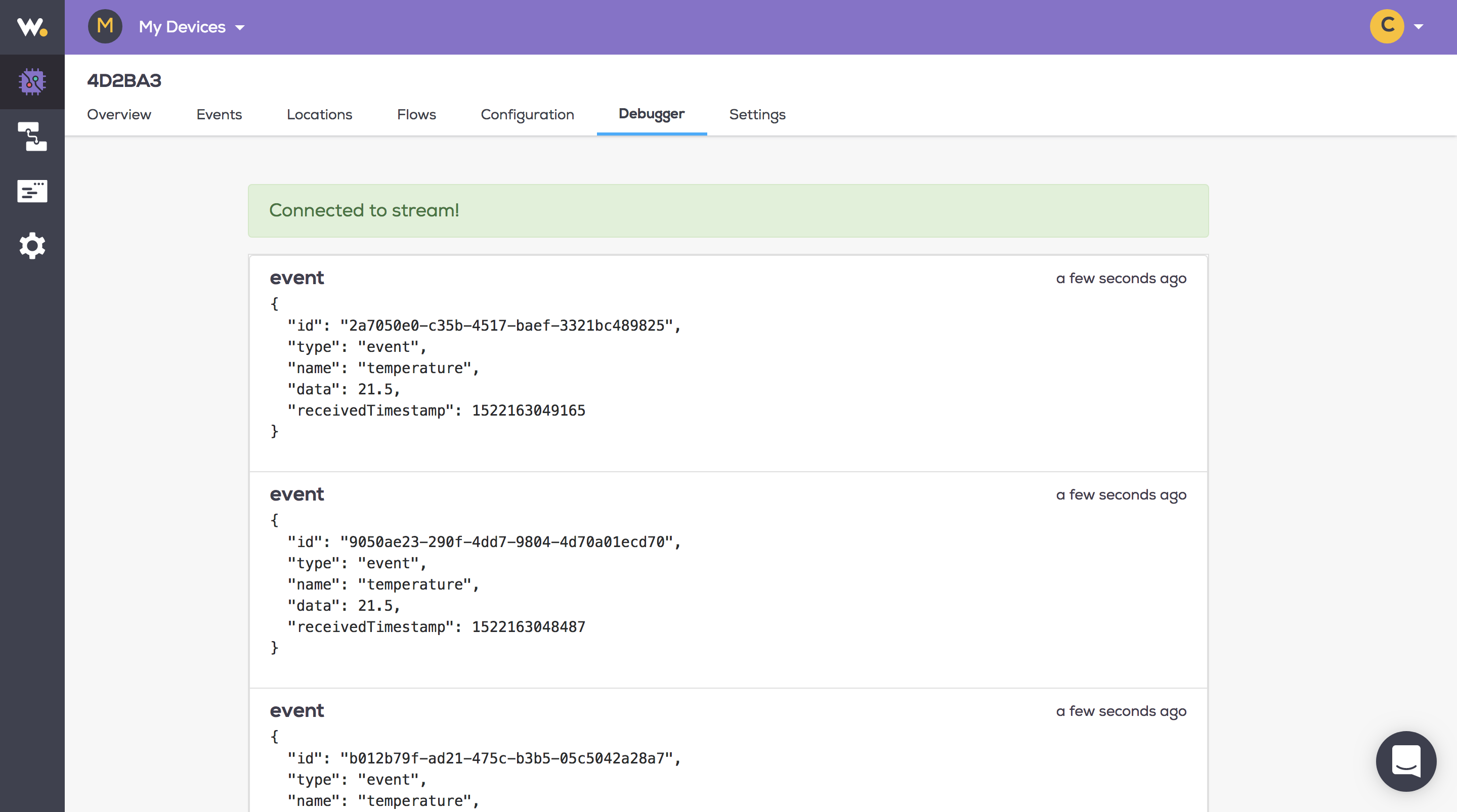
Once you have added a device, you can now publish an event to Wia.
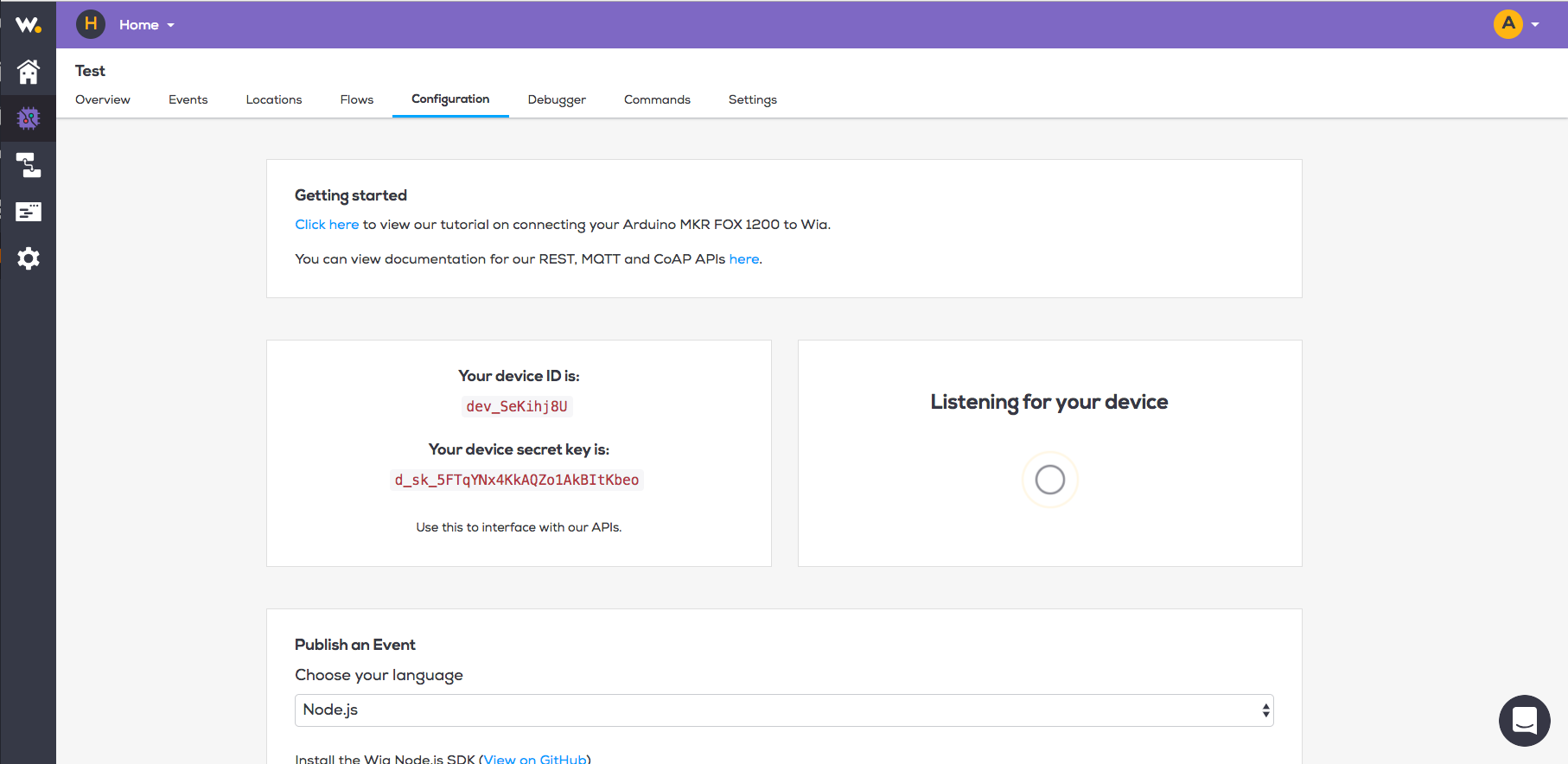
In the configuration tab of your Device, you will see your Device ID and secret key. You'll need the secret key to publish an Event.
Choose your Device language using the drop down provided (If you need additional languages please reach out to us directly)
Follow the directions as listed per language
To publish an Event from your development board, please choose your board here and follow the relevant tutorial.
Now, in the Wia dashboard, click on the debugger tab for your Device. You should see the event appearing in real time