Title
Message
Create new category
What is the title of your new category?
Edit page index title
What is the title of the page index?
Edit category
What is the new title of your category?
Edit link
What is the new title and URL of your link?
Add a Device
Copy Markdown
Open in ChatGPT
Open in Claude
Once you have created a Space you can now add your Devices.
- Login to Wia dashboard and goto into your space.
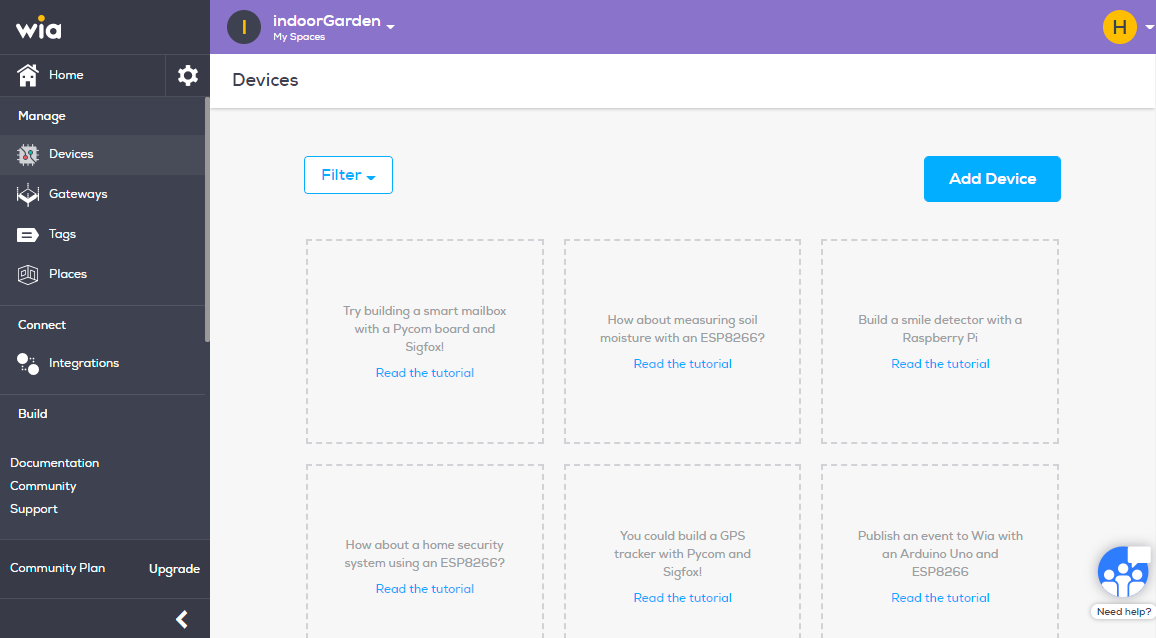
- From the menu on the left side click "Devices" under manage section.
- Click the blue "Add Device" button.

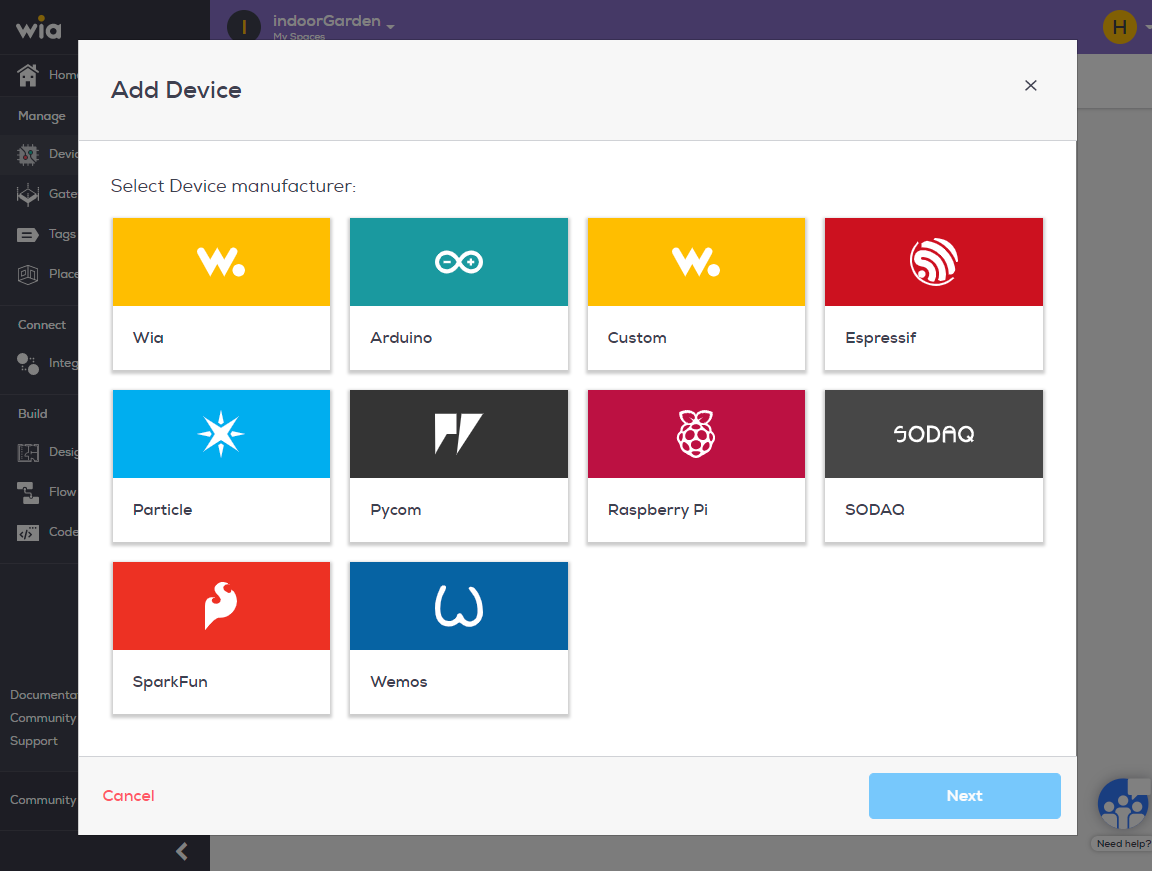
- Select the device manufacturer from the list and click next.
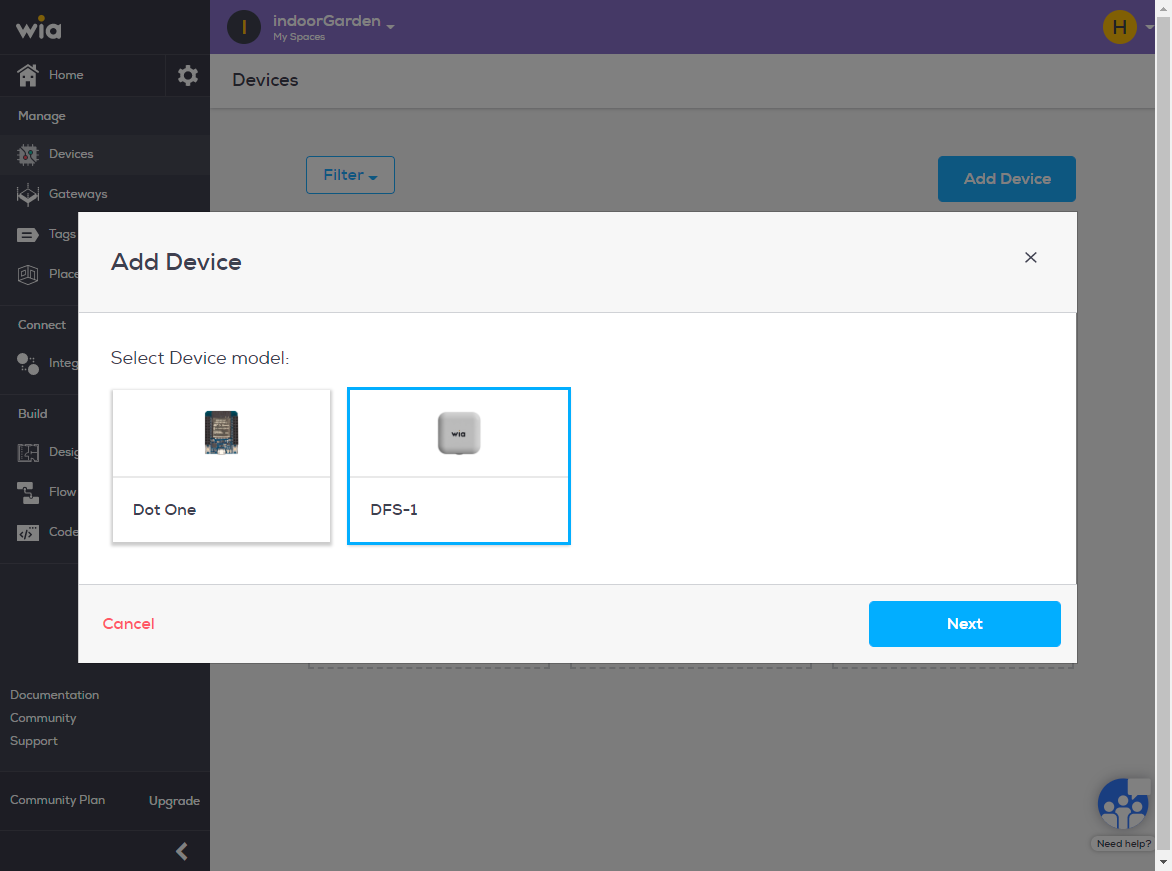
- Select Device model and click next.

- Name your device and click Add Device.
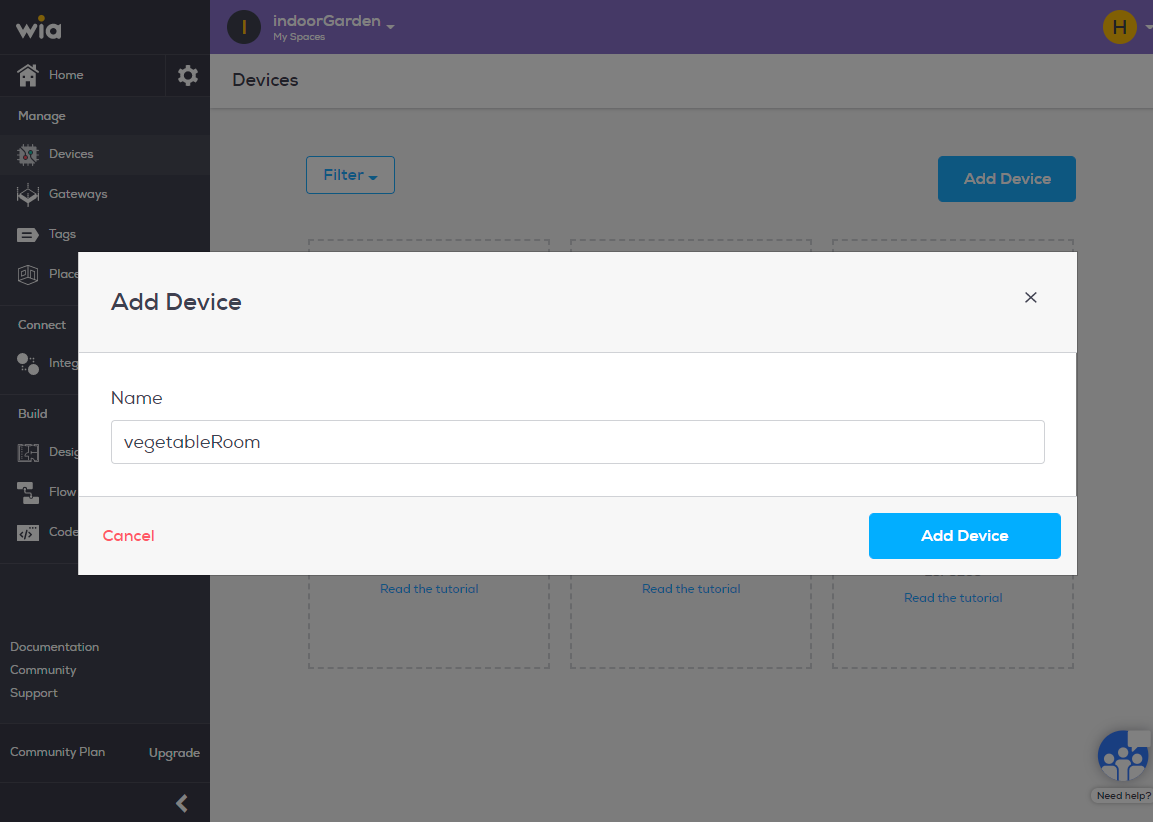
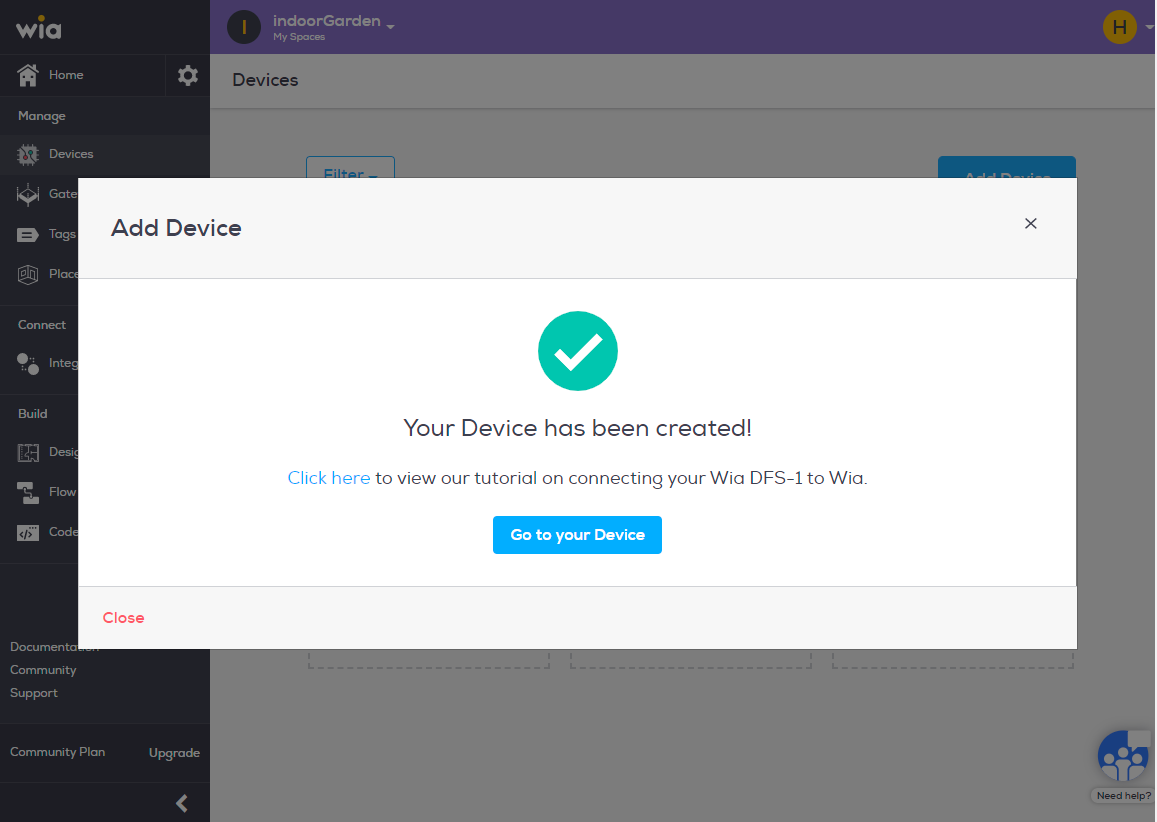
- Congratulations you have now created your device.
Option 1: Creating a Device
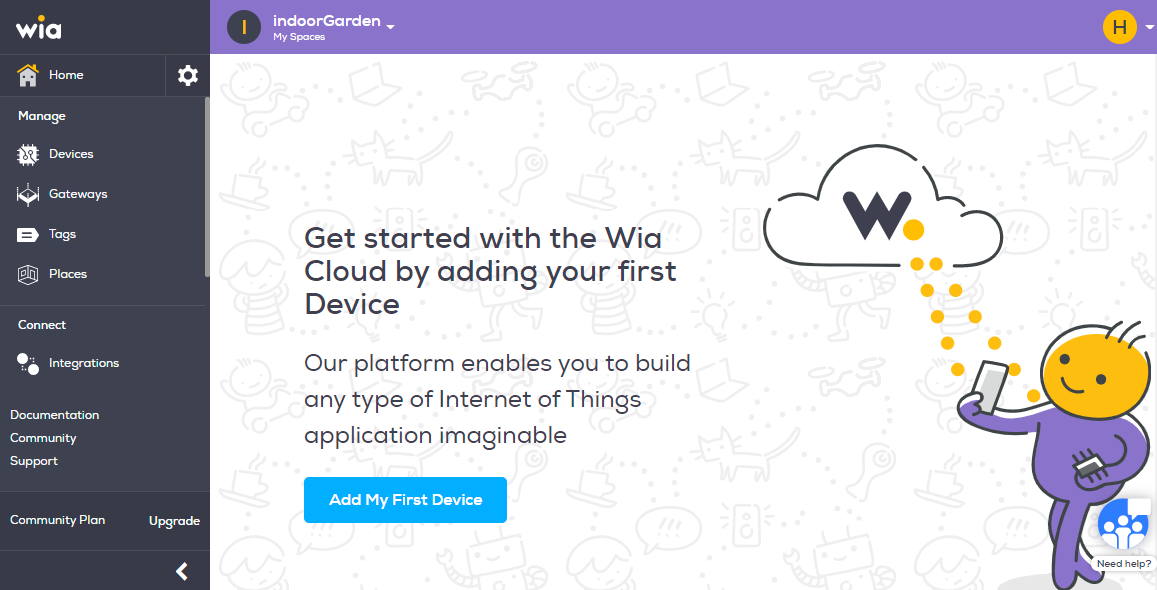
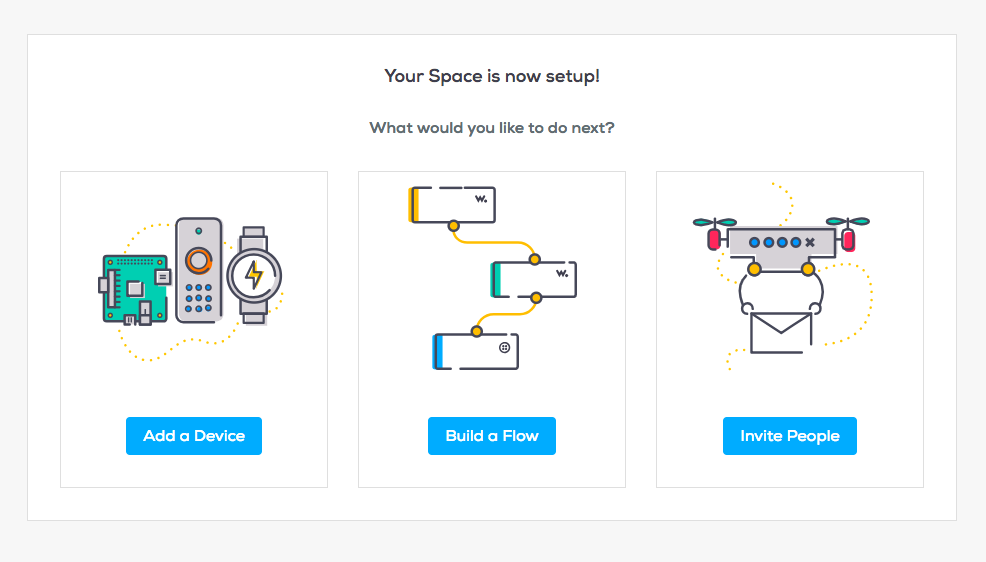
- If you have gone through the on-boarding flow, you will see three options: Add a Device, Build a Flow or Invite People. Choose "Add a Device"
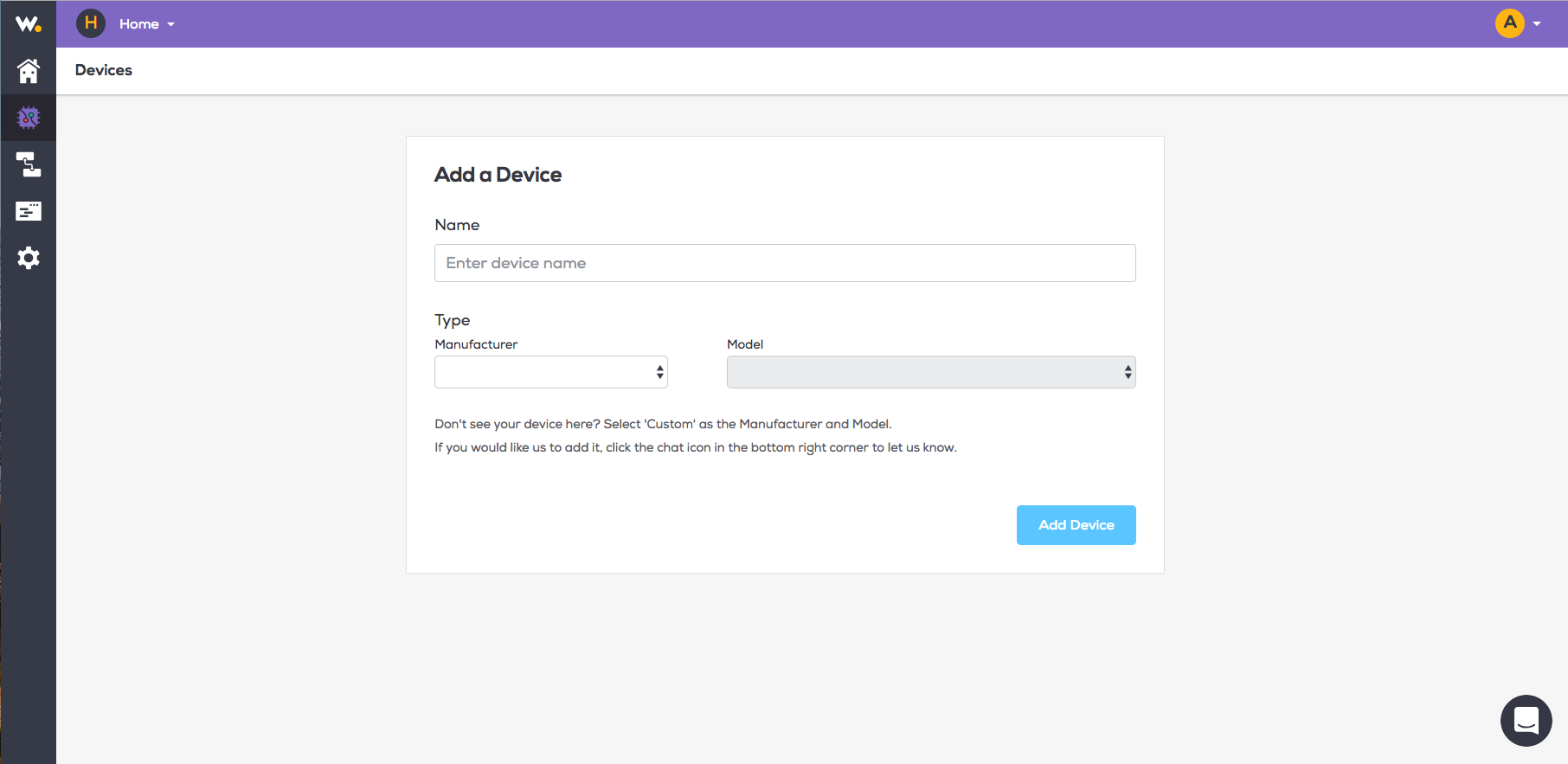
- Enter the Device name and Type details then click "Add Device"
##
Type to search, ESC to discard
Last updated on
Next to read:
Delete a DeviceDiscard Changes
Do you want to discard your current changes and overwrite with the template?
Archive Synced Block
Message
Create new Template
What is this template's title?
Delete Template
Message