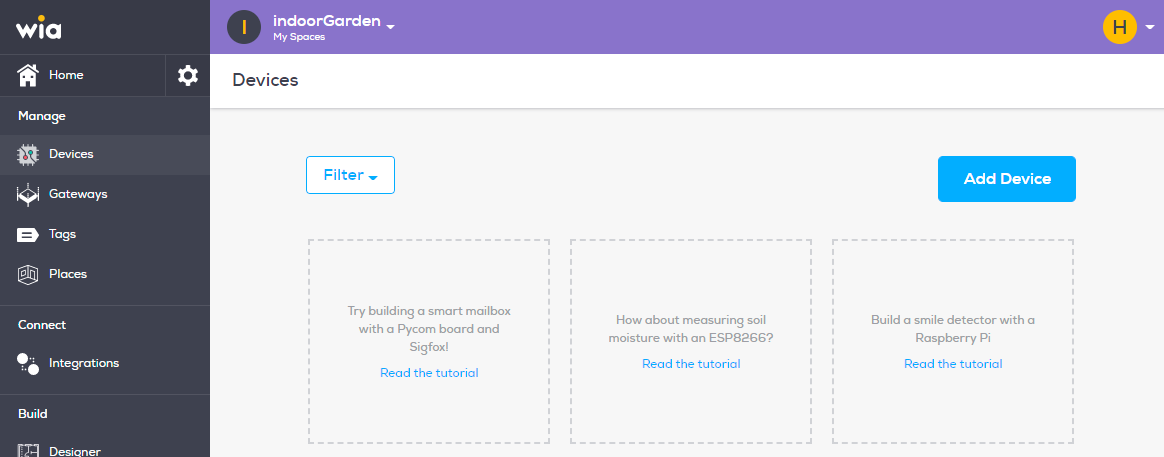
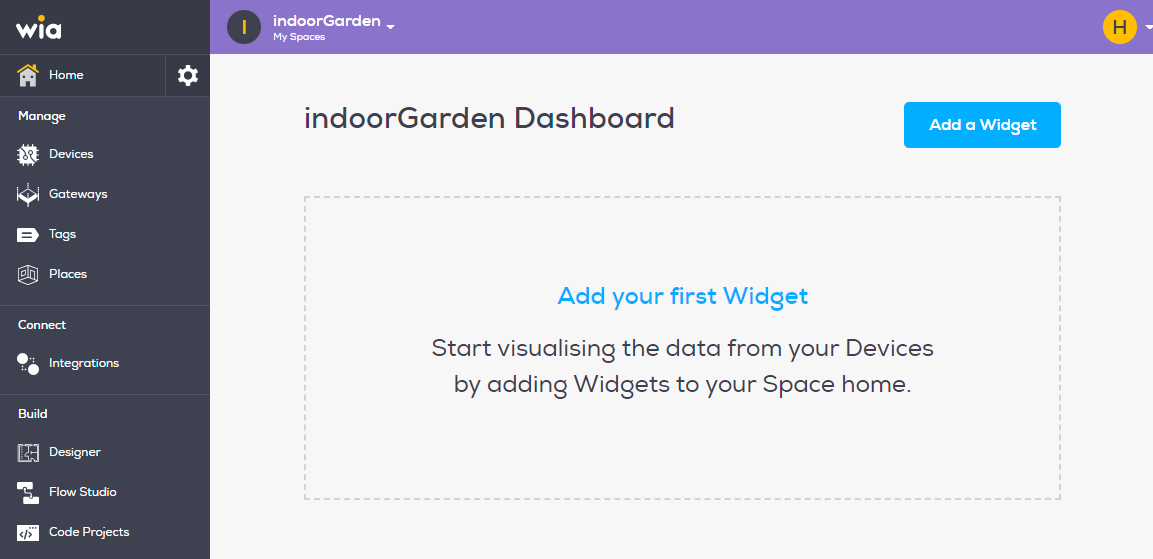
In order to delete a Device, login to wia dashboard and select Space which contains your Device.
From the side bar select
DevicesunderManagesection.
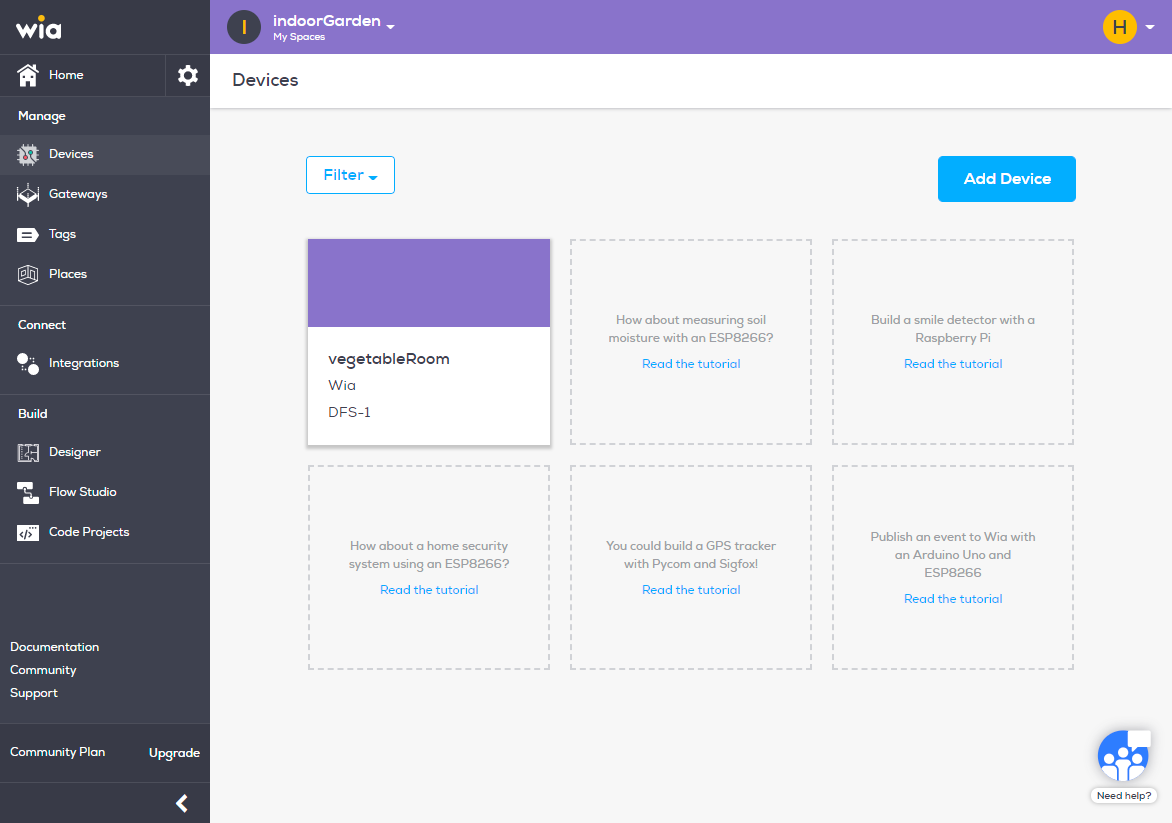
From the list of Devices click the Device you want to delete.
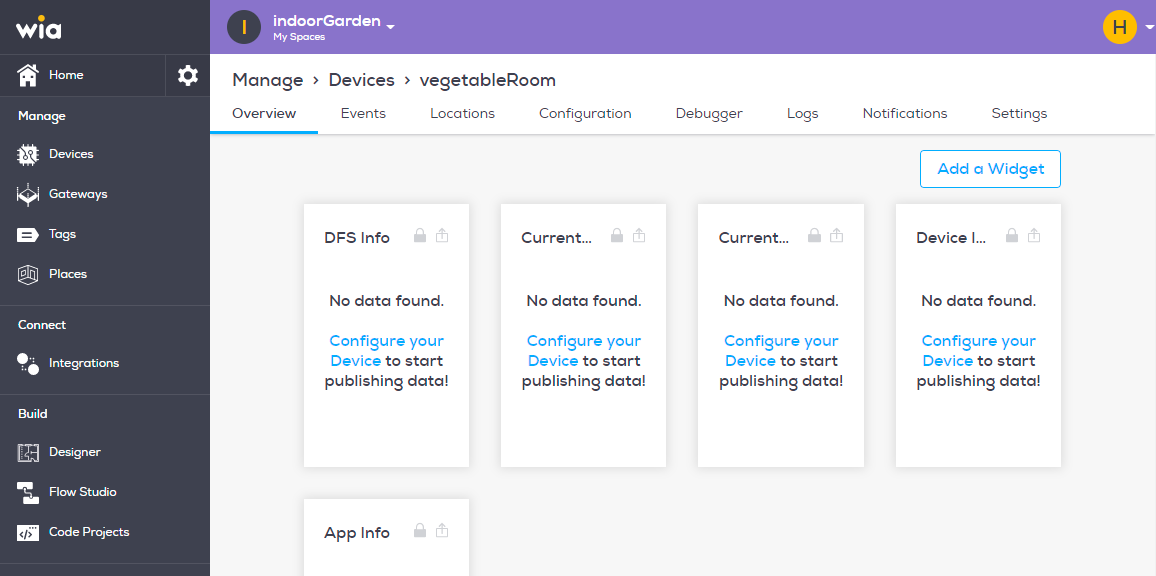
On the top bar select
Settings.
Under
Generalsection clickDelete Devicein red.
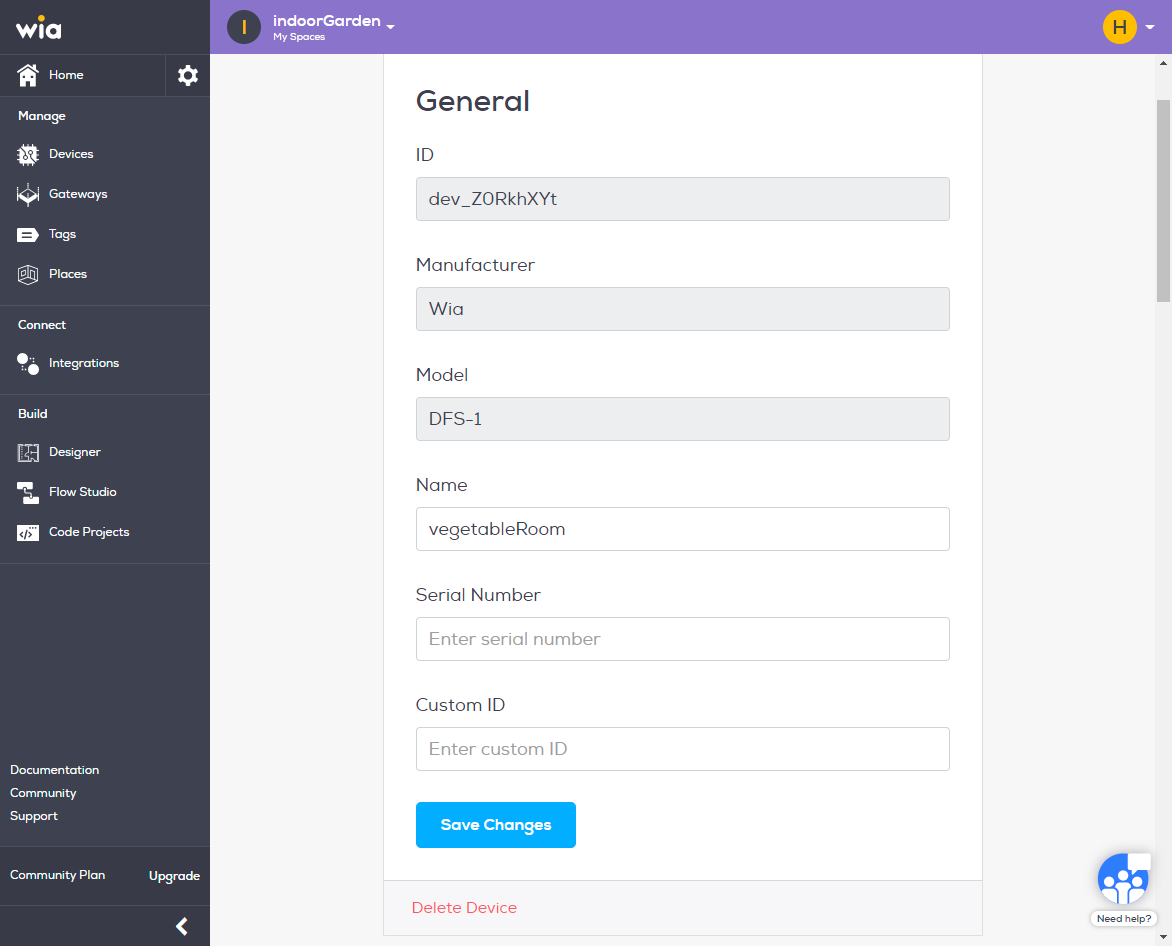
Now now have the Device deleted.