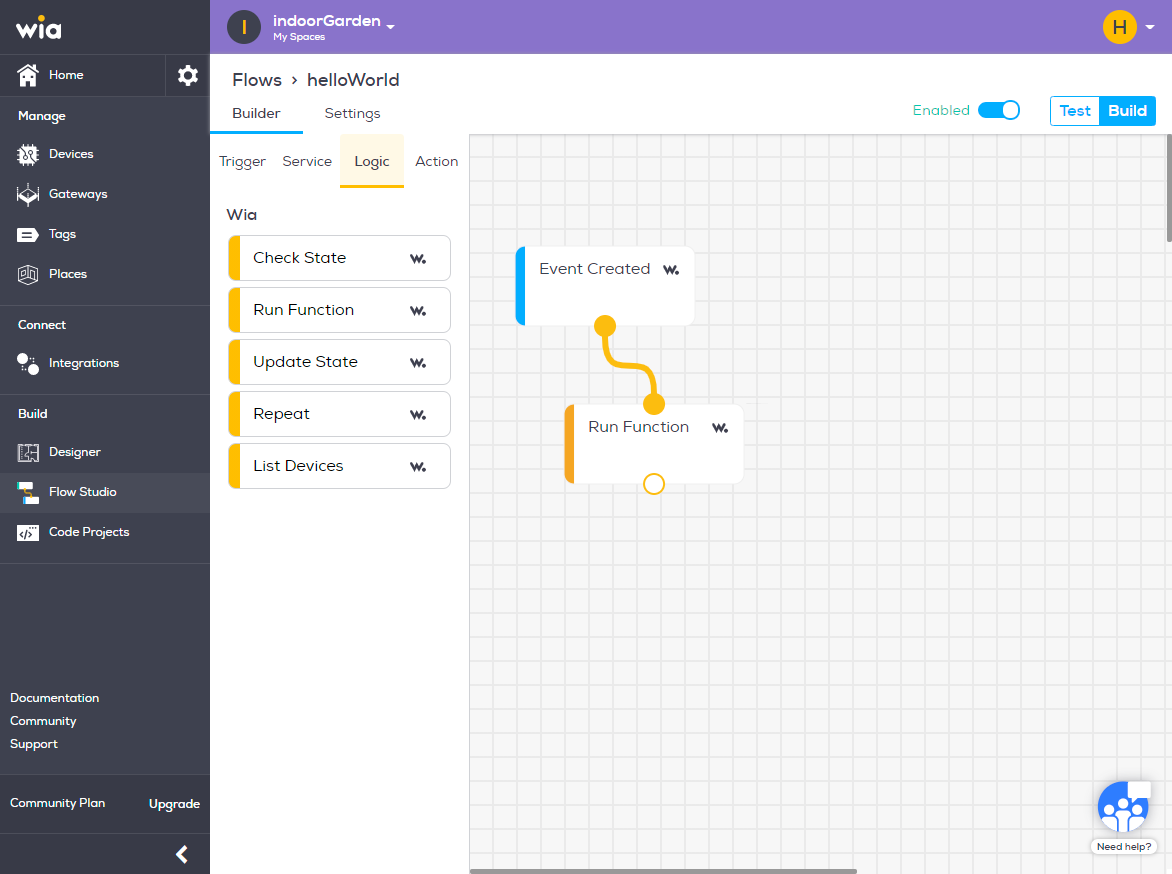
Creating a flow
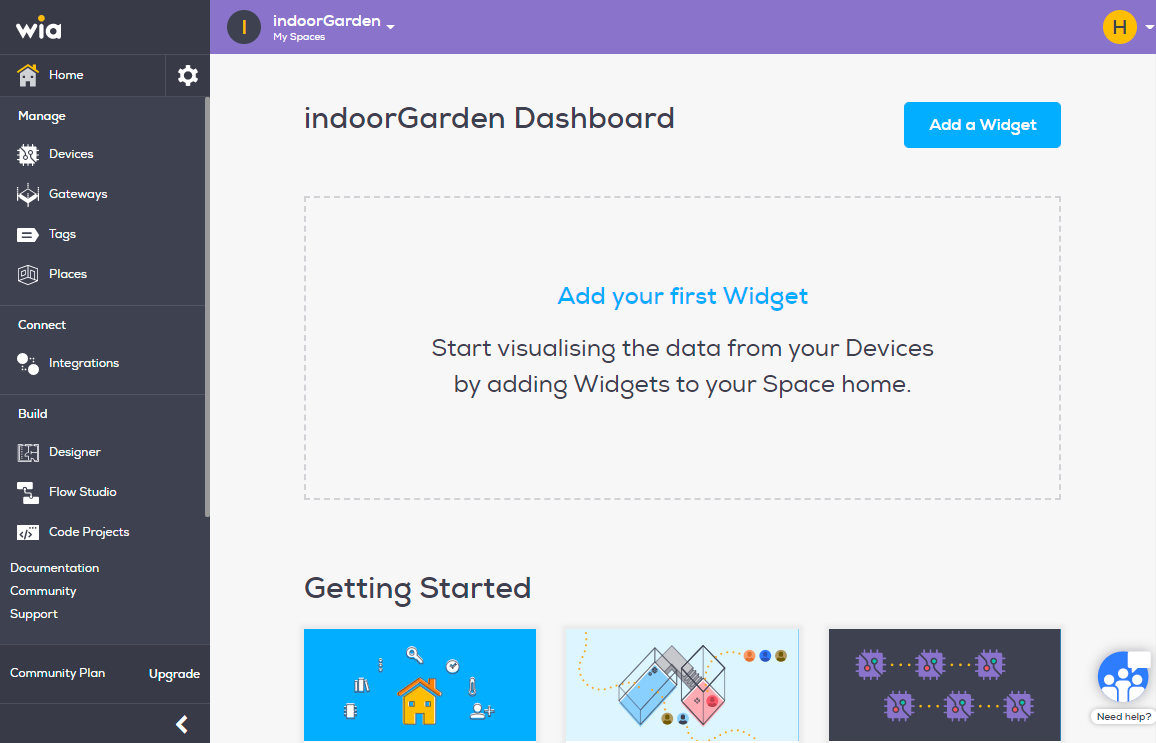
Login and click on the Space you would like to build your flow in
From the menu bar on the left, select "Flow Studio".
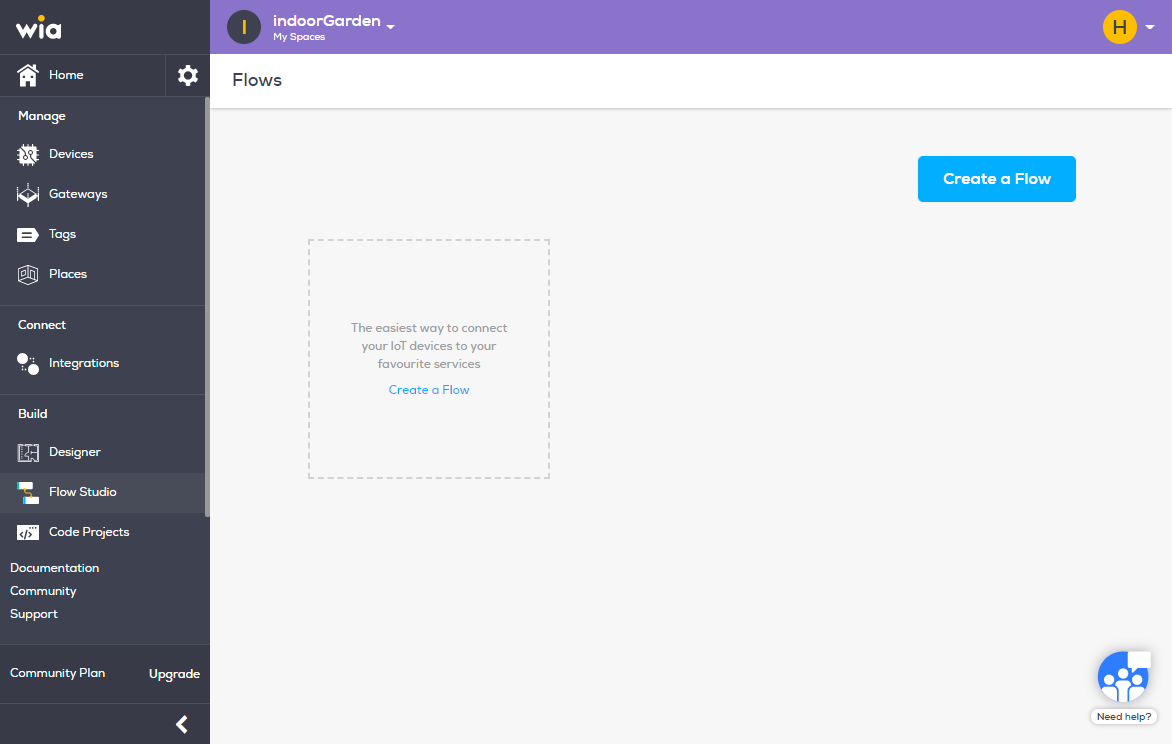
Click blue "Create a Flow" button.
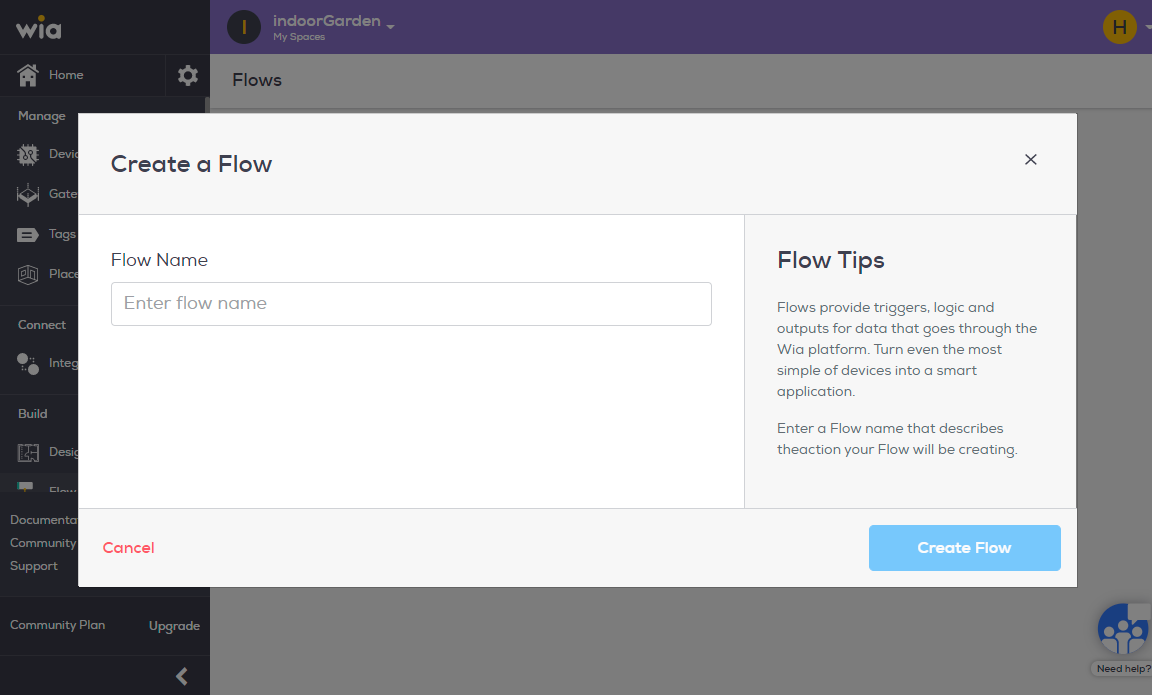
Name you flow and click "Create Flow".
Now it's time to connect your Devices to your favourite services
You are able to set up triggers, logics and outputs with our drag and drop Flow Builder
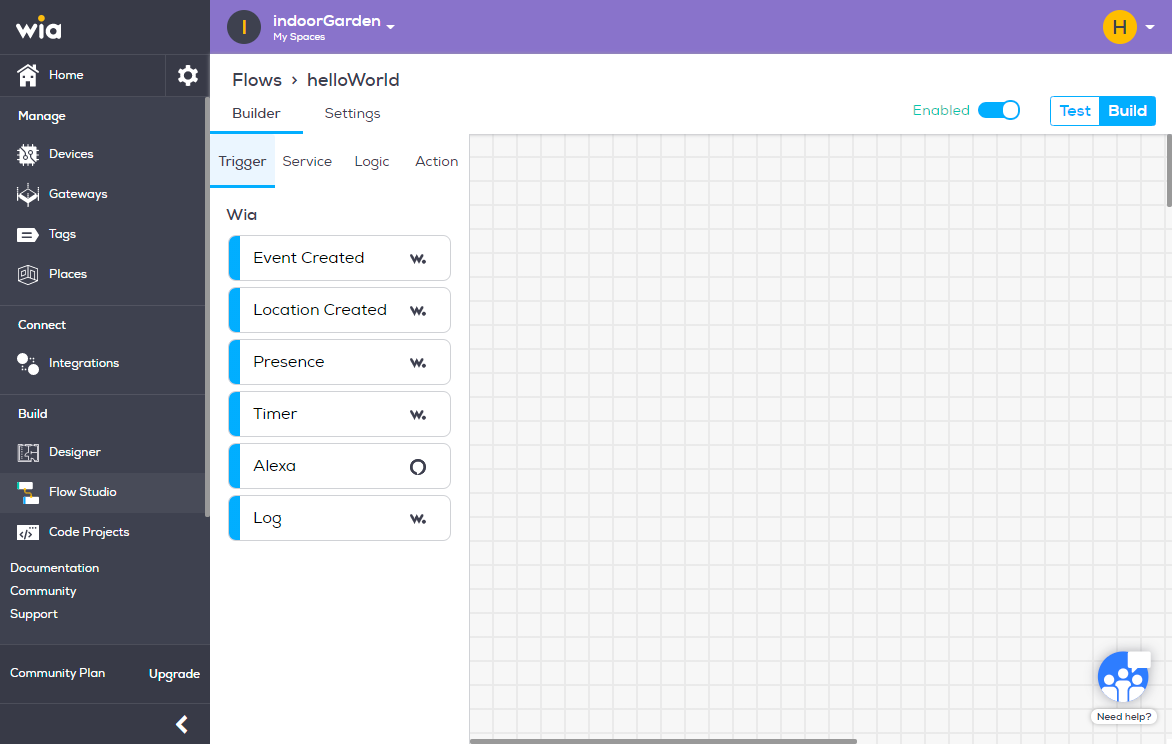
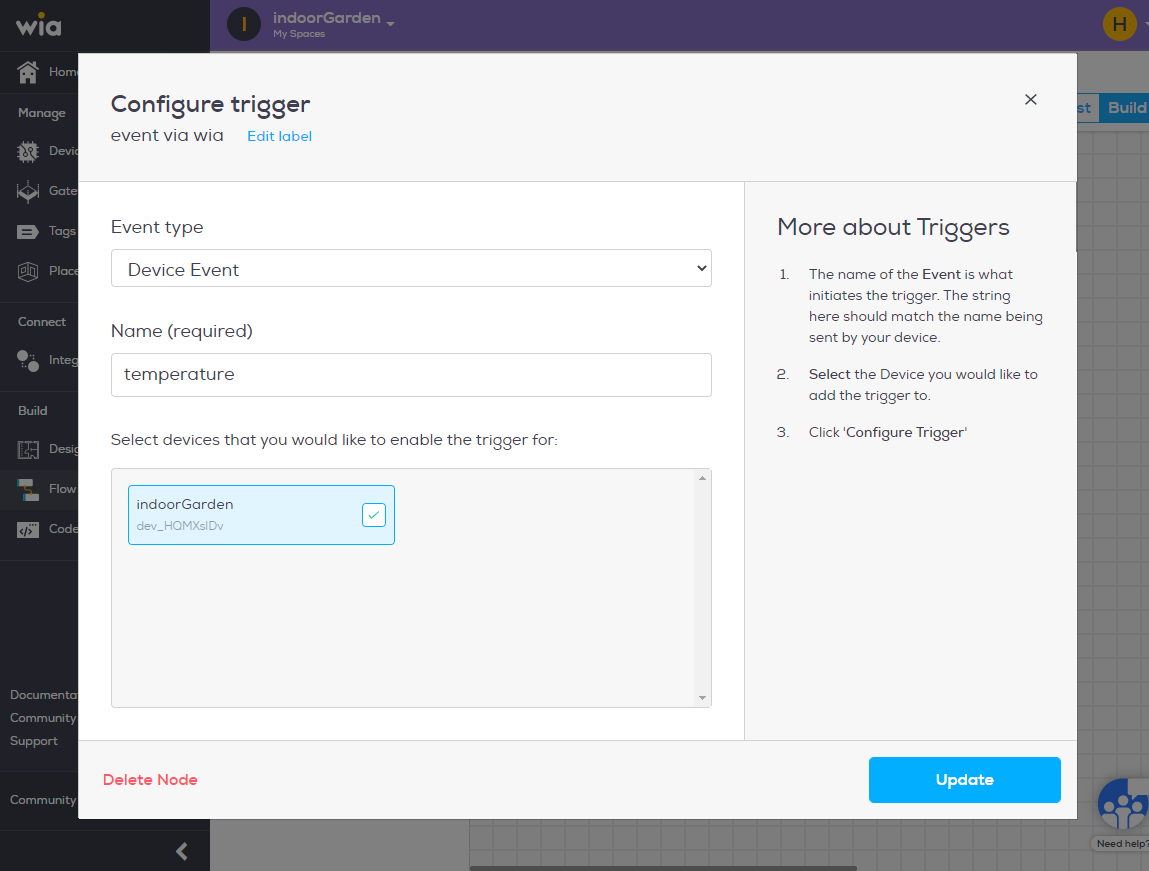
Drag over
Event Createdfrom theTriggertab, give it a name and select the device. Click "update".From the Logic tab, add a run-function, and fill in the desired variables and connect the two
From the Logic tab, add a run-function, and fill in the desired variables and connect the two.
Please note, you do not need a run function if you want all data sent to desired channel. A run-function should only be used when you want to send data based on specific parameters.