Info
This is only available to** **paid users.
To create a Kiosk on Wia Cloud, follow the steps below:
Login to Wia Cloud

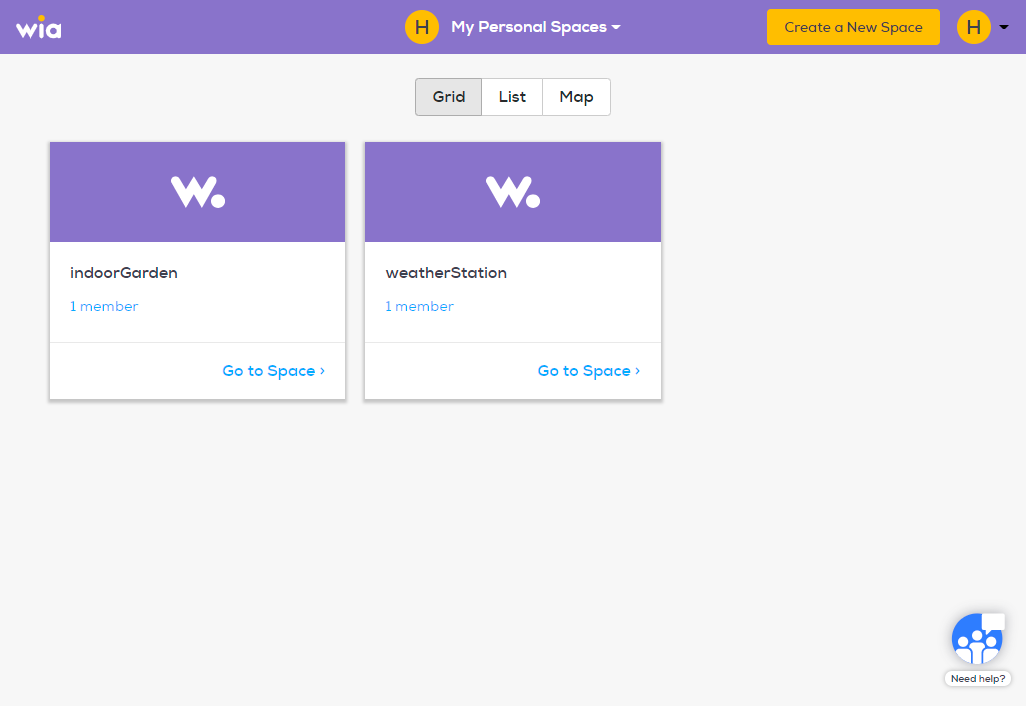
Click on the Space where you want to create a Kiosk.
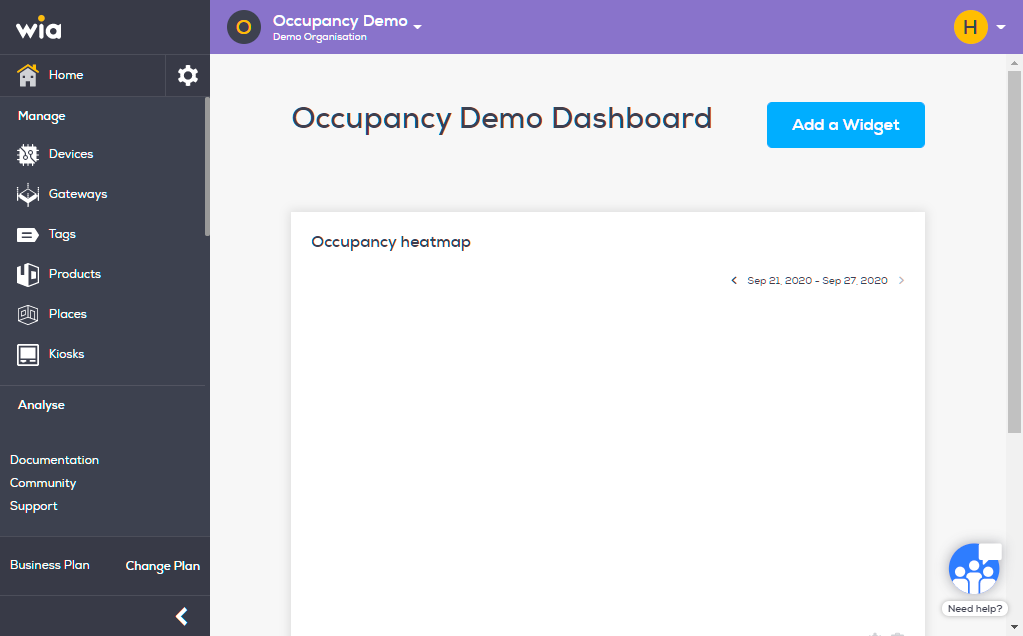
Click Kiosks under the Manage section.
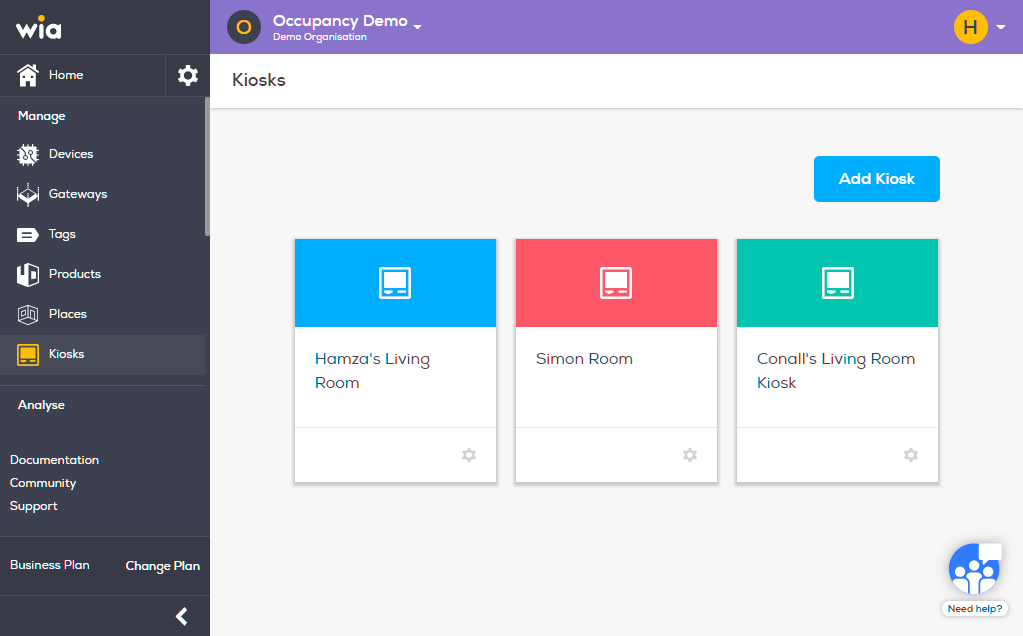
Click blue "Add Kiosk" button.
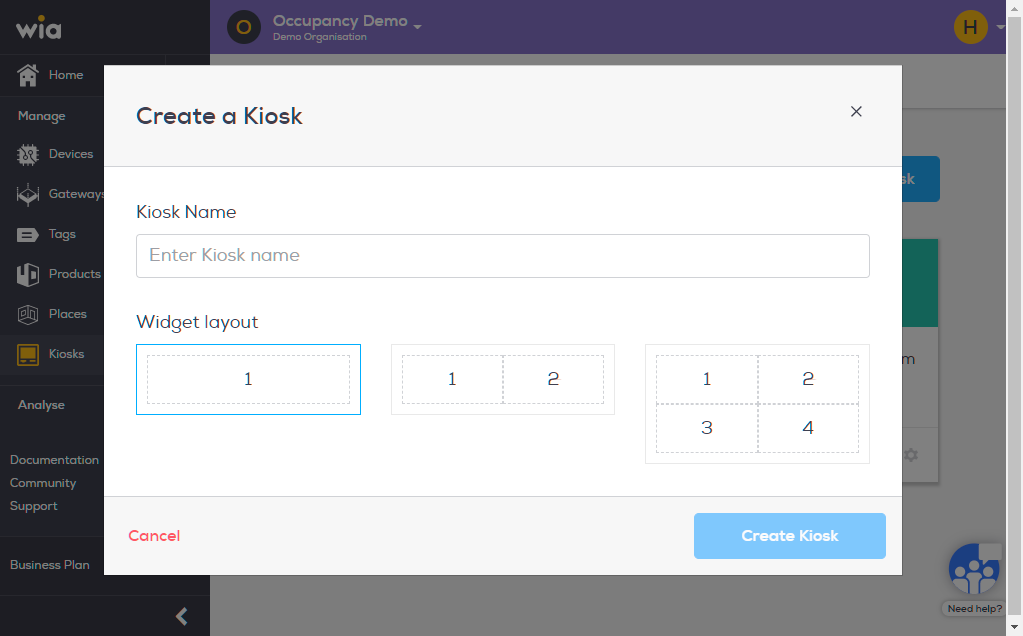
Name your Kiosk and select Widget Layout as required. Click blue Create "Kiosk Button" when done.
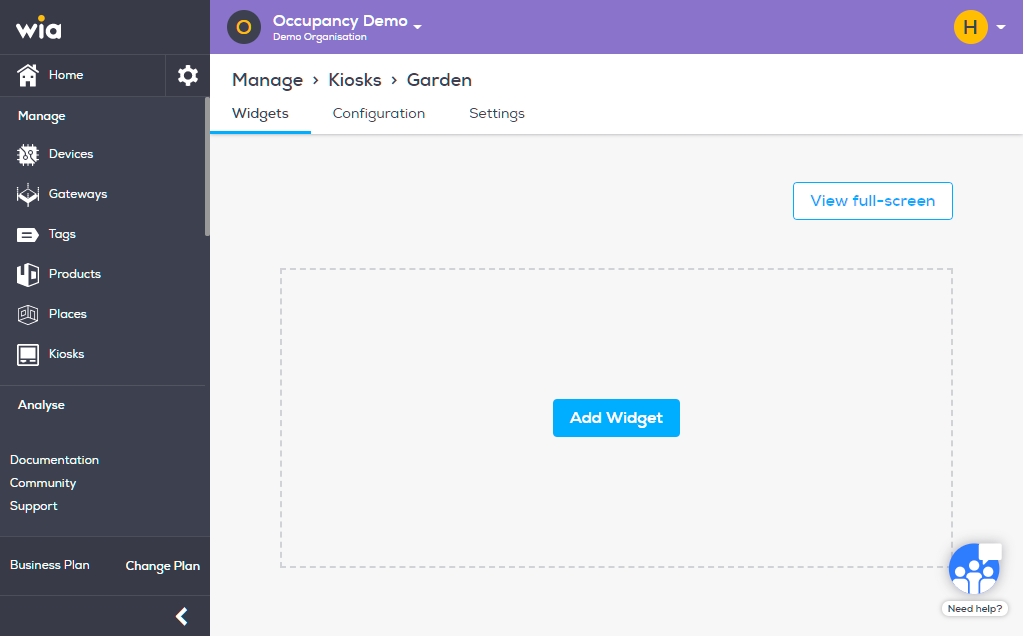
To add a widget to your Kiosk click "Add Widget".
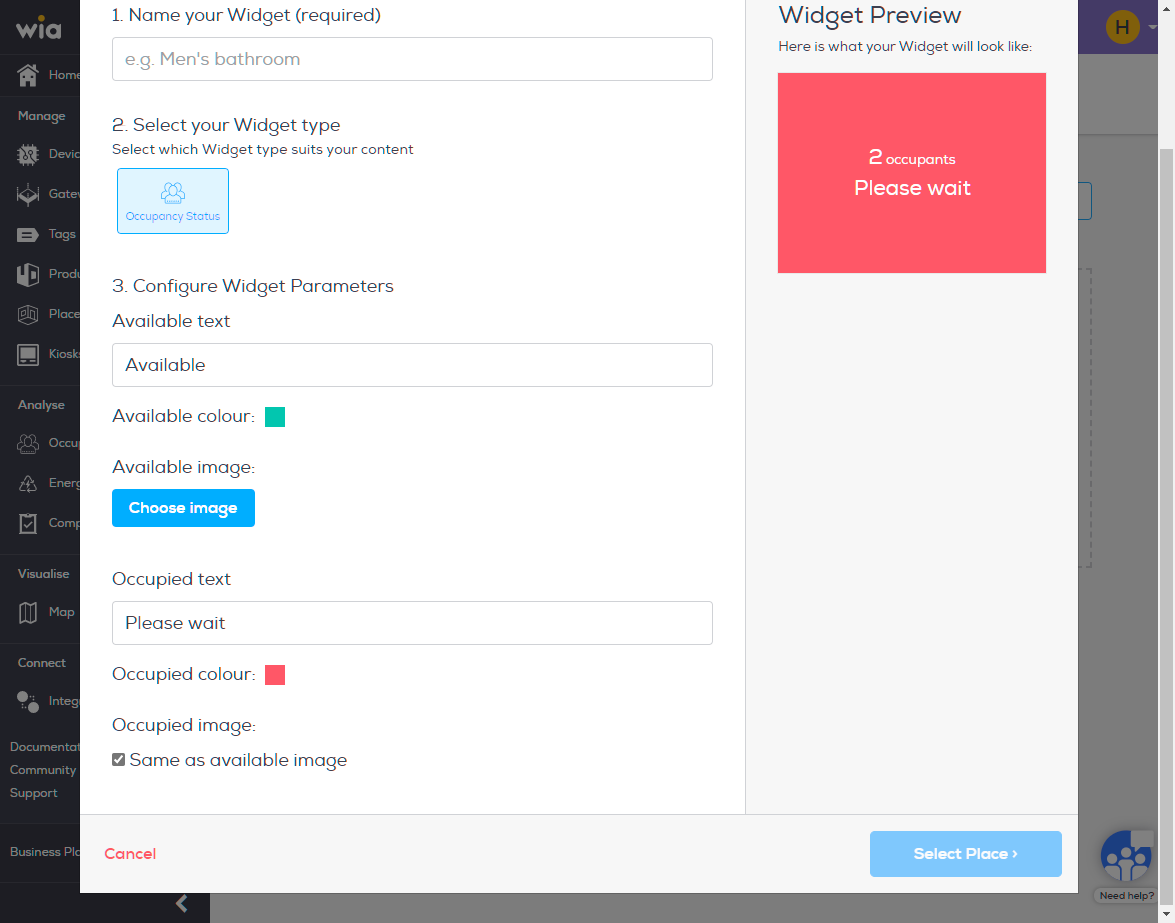
Fill in the details and click blue Select Place Button.
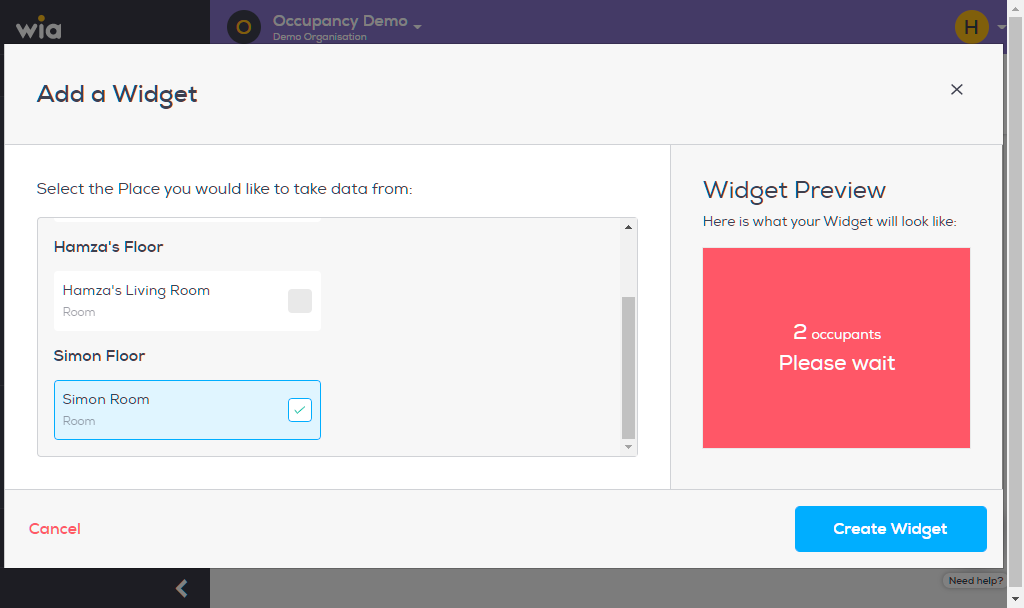
Select a Place to associate this widget with and click blue Create Widget.
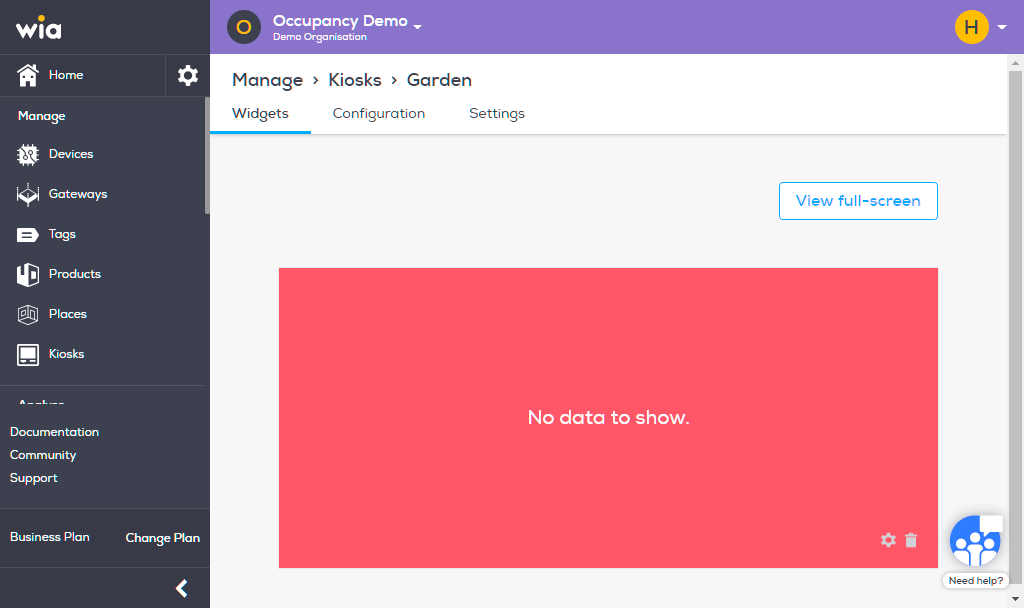
And you are done. As soon as the data starts coming in you can view it update over here and on the associated Wia App.