
To add a Device to Place, follow the steps below.
Info
Another way to add device to Place is through designer.
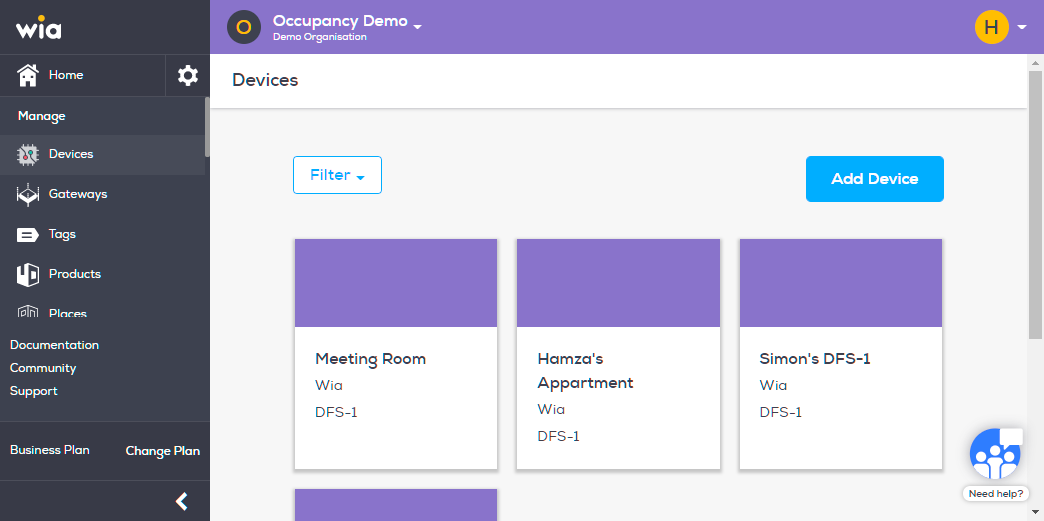
Login to you your wia dashboard, select the space which contains the Device. Click Devices under Manage section.

Select the Device you want to assign a Place.
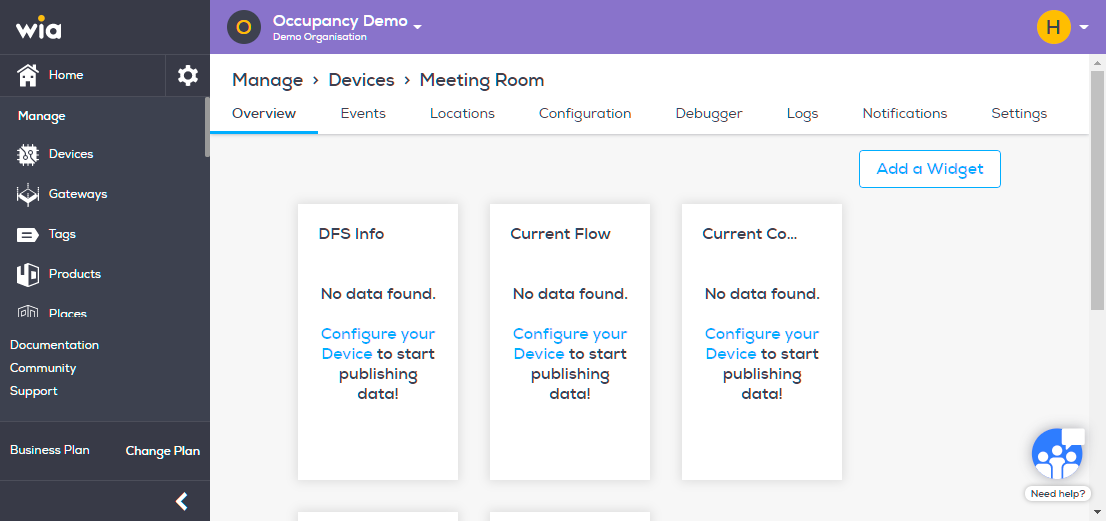
Click Settings on the top bar.
Under General section, select the required Place from the dropdown list and click Save Changes.
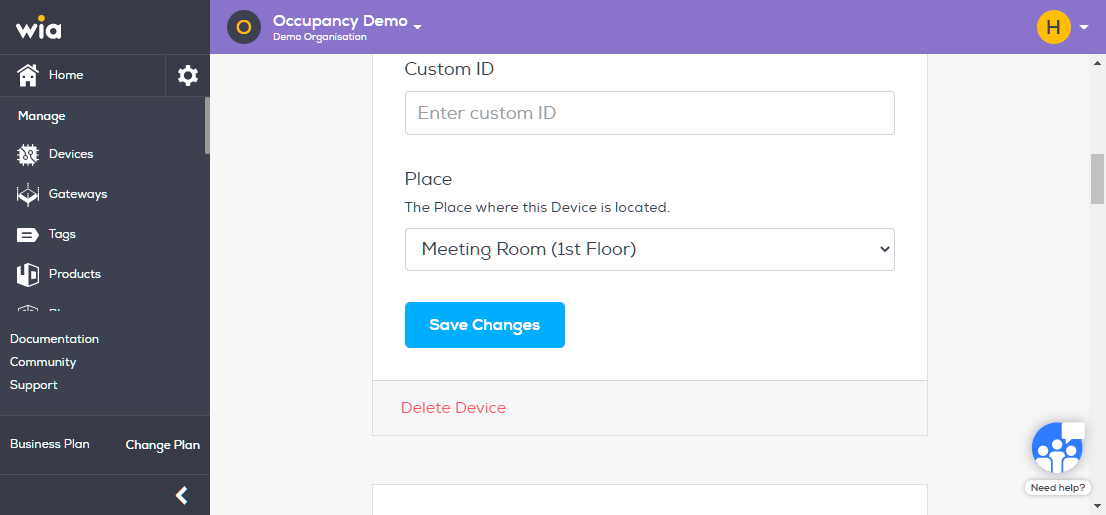
You Device has successfully been added to Place now.
