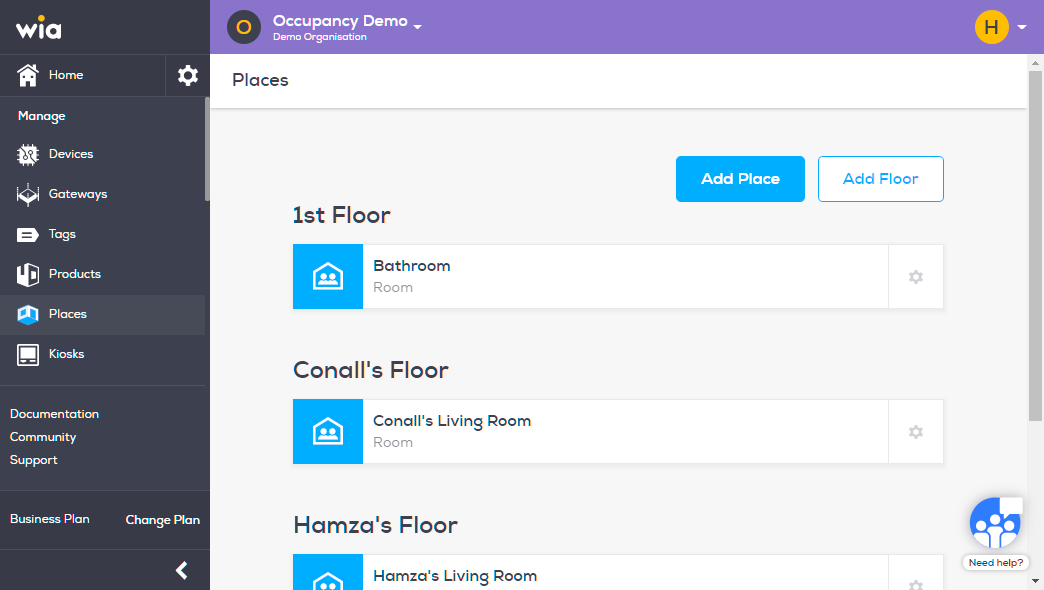
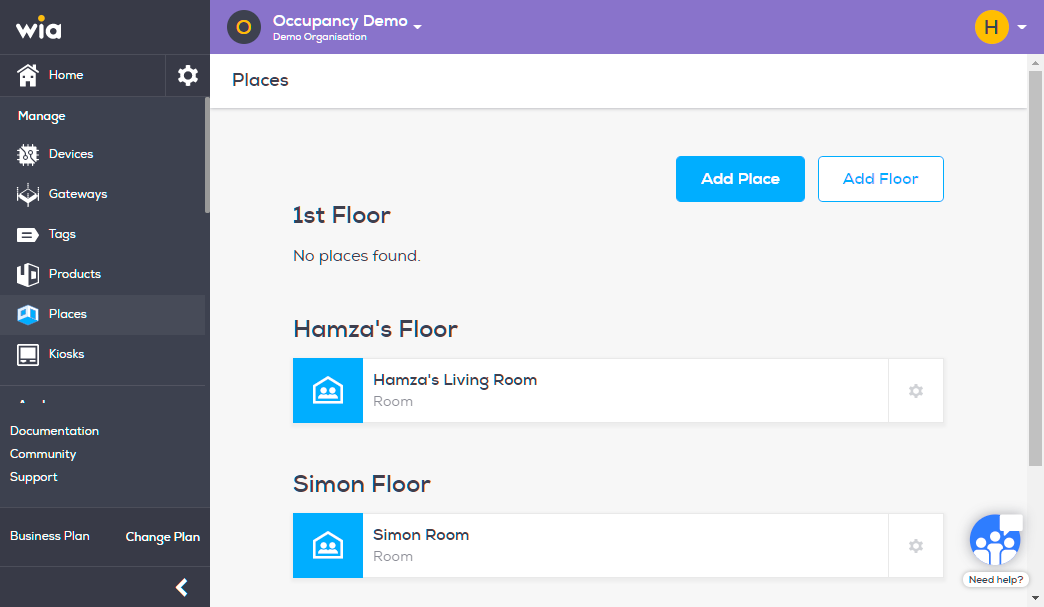
Follow the steps below to create a Place.
Login to you your wia dashboard, select the Space where you wish to create a Floor. Click Places under Manage section.

Click Add Place button.
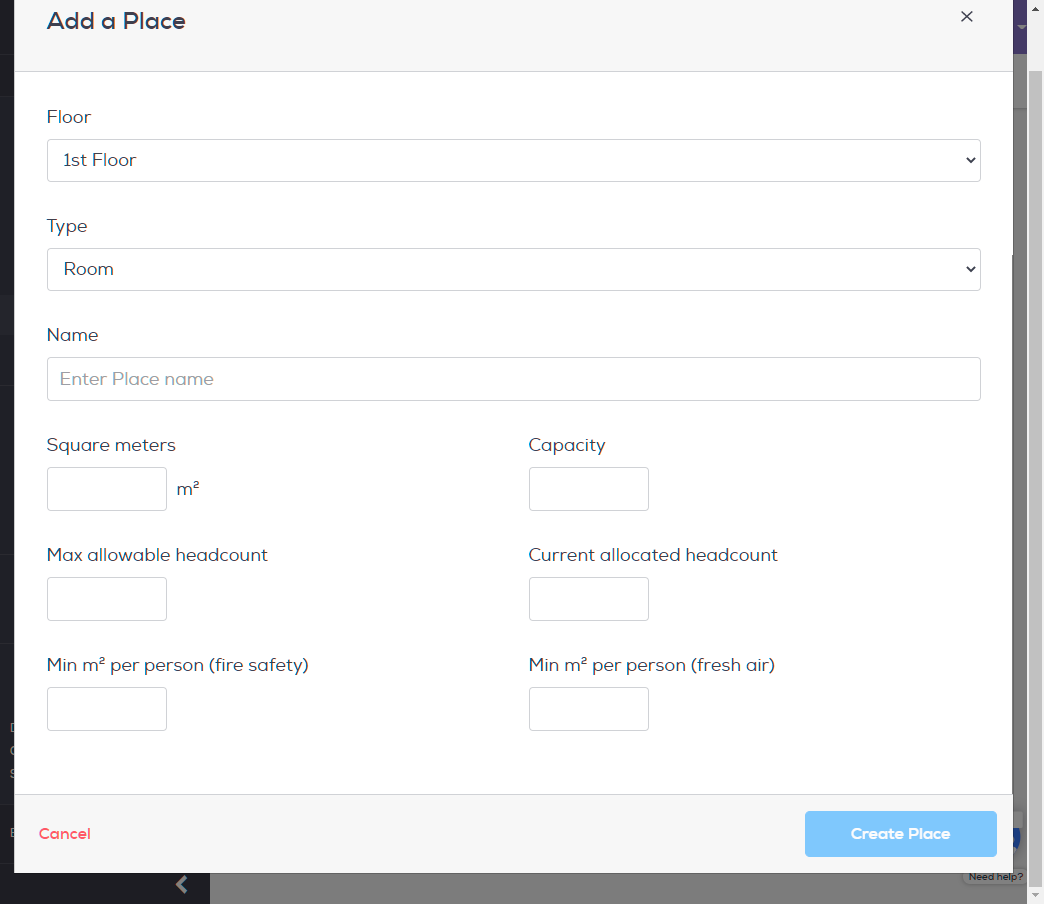
Fill in the details and click Create Place. Make sure you select the right Floor.
Your Place is now successfully created.