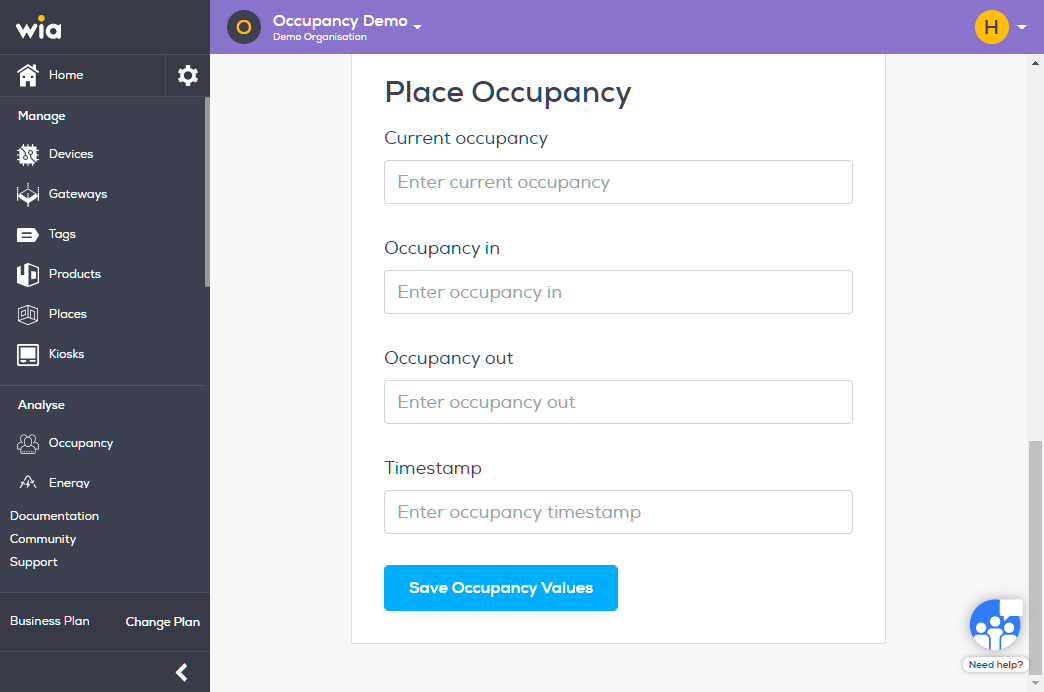
Once you have a Place created you can easily update it on Wia Cloud. Follow the steps below to update a Place.
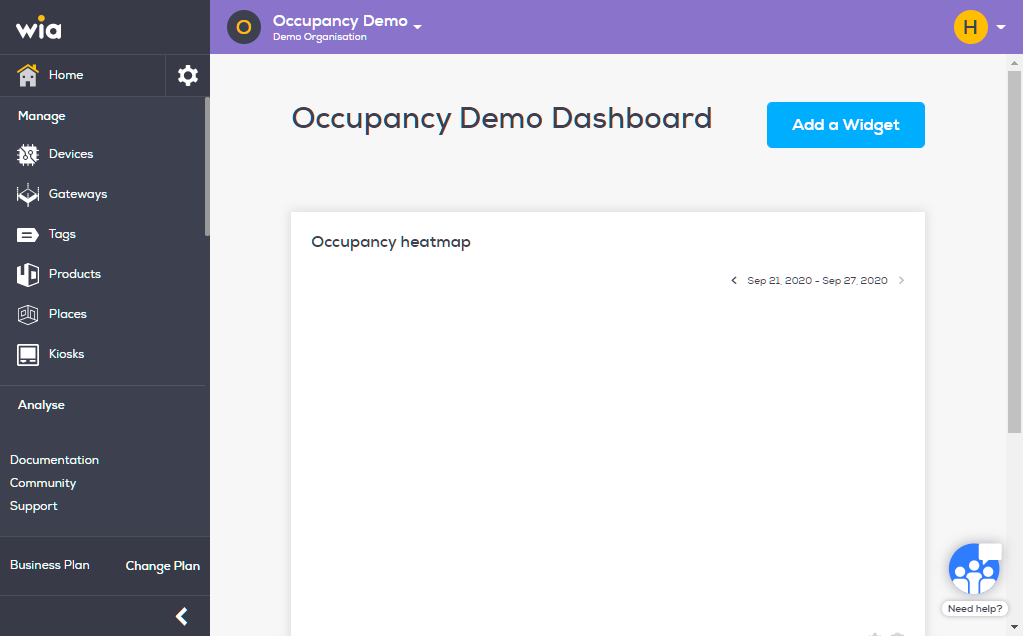
Login to you your Wia dashboard, select the Space which contains the Place your want to update. Click Places under Manage section.
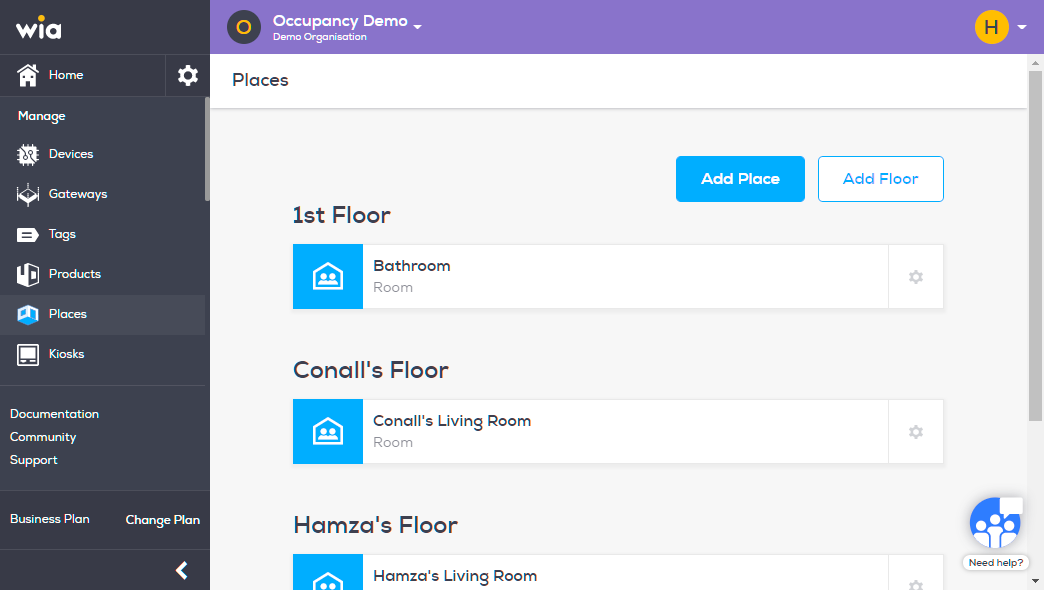
Click the gear icon on the right of the Place your want to Update.
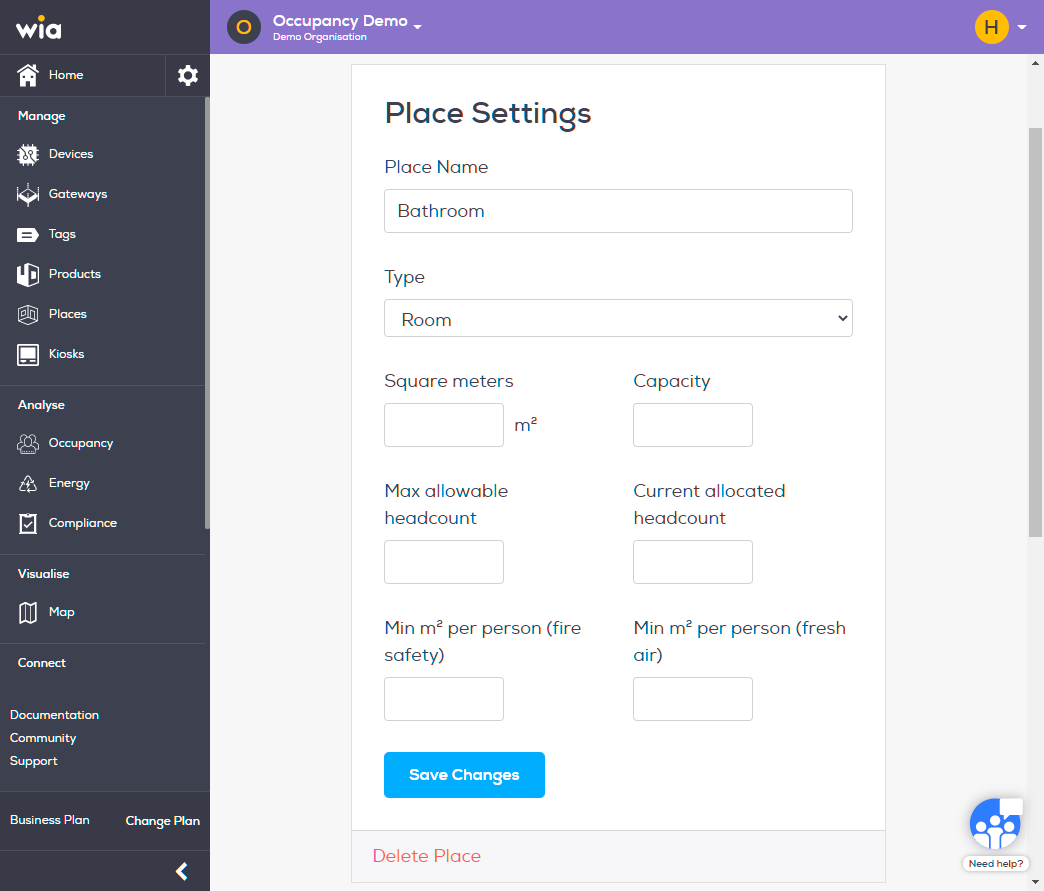
To Change Place Settings, make required changes under it and click Save Changes.
To change Place Occupancy Values, make appropriate changes on the same pace under Place Occupancy and click Save Occupancy Values.