

Start Setting Up Integration
In your Space, select Devices from the left sidebar. Then, select Settings from the top menu Scroll down to find Integrations and click on the blue toggle button to start the integration.
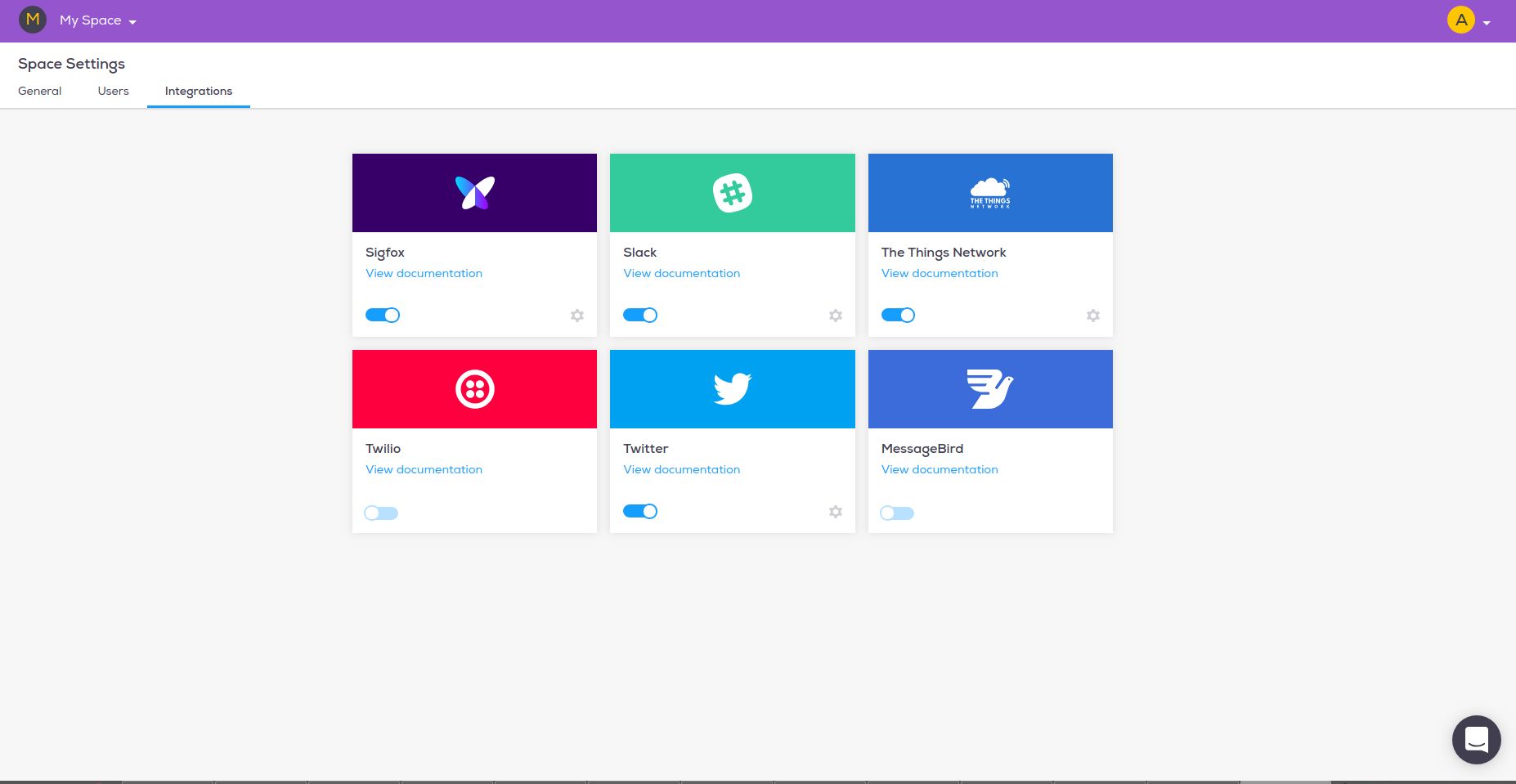
Turn on MessageBird to see the keys you require to use the MessageBird integration.
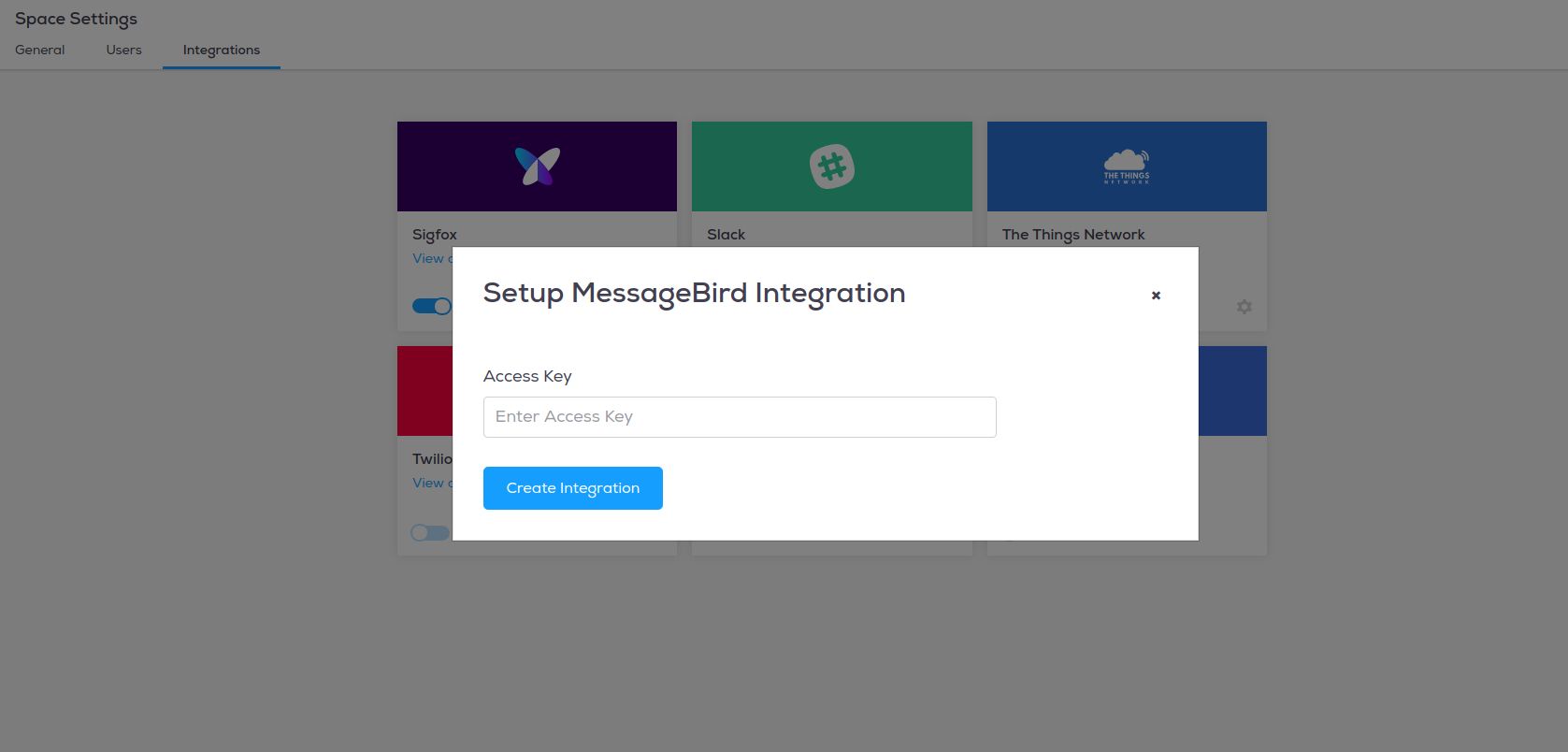
Get Your MessageBird access key
If you don't already have a MessageBird account, click here to set one up for free
Once signed up, you'll be redirected to the console page
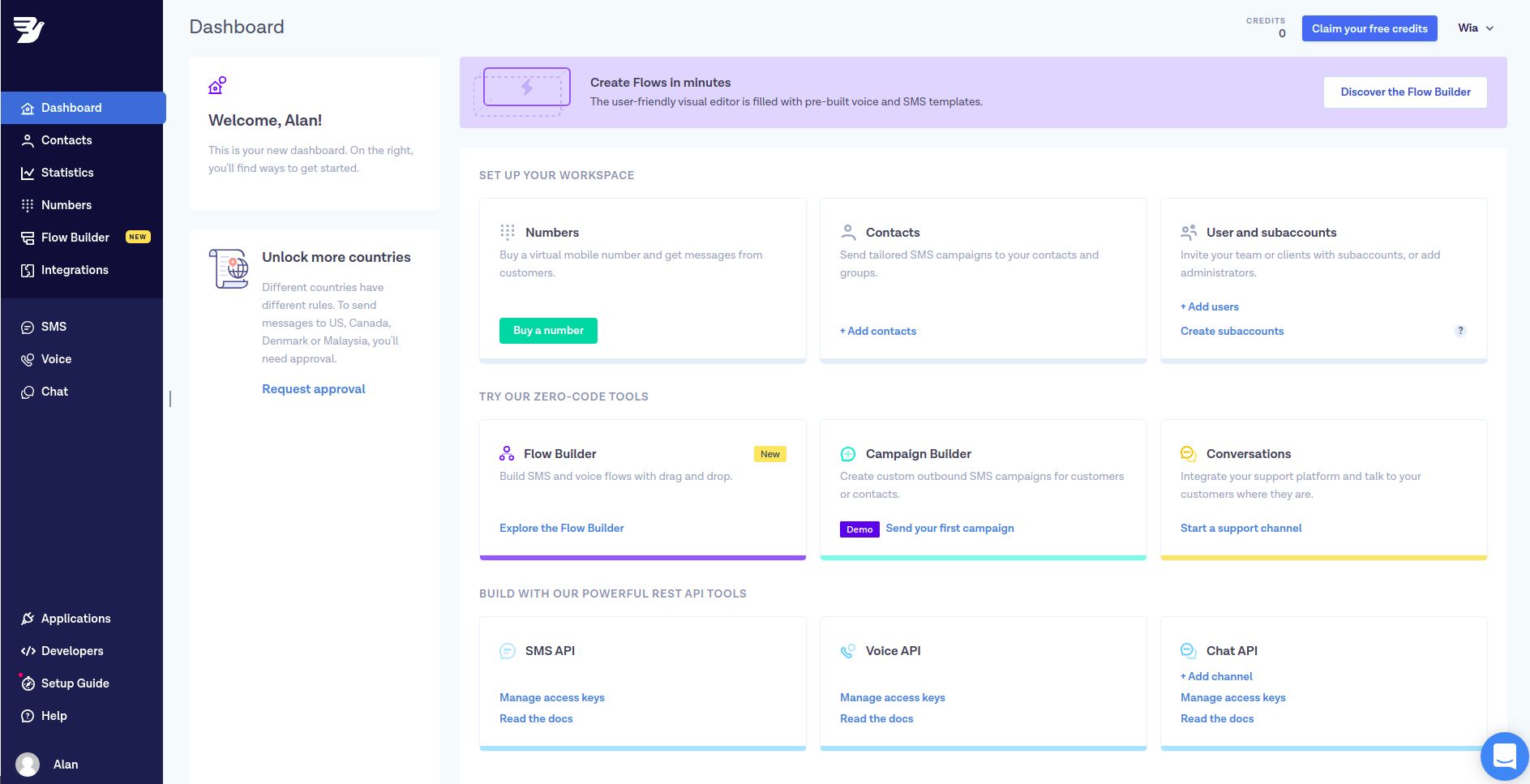
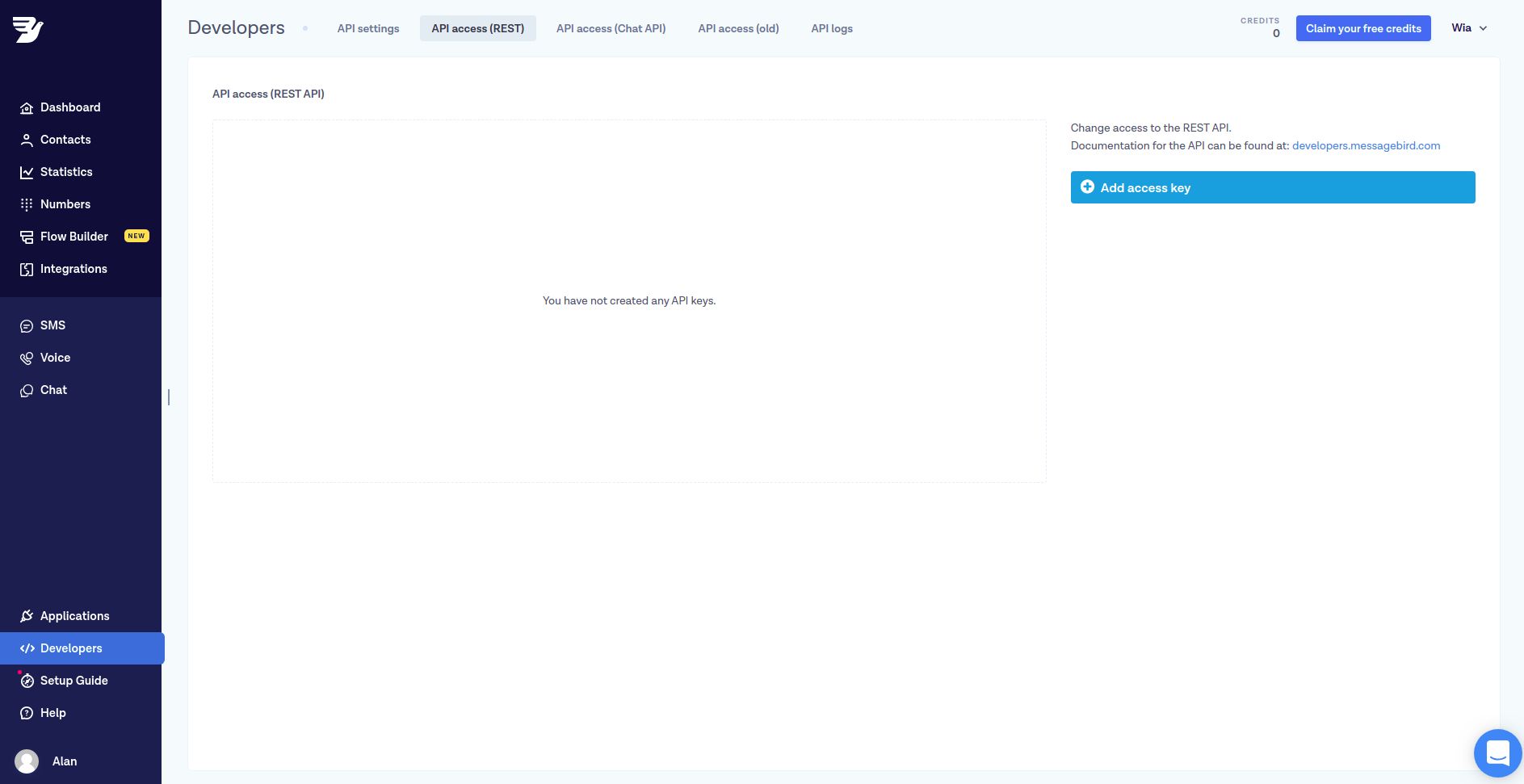
To get an access key, click on the
Developerssection on the lower end of the left menu bar
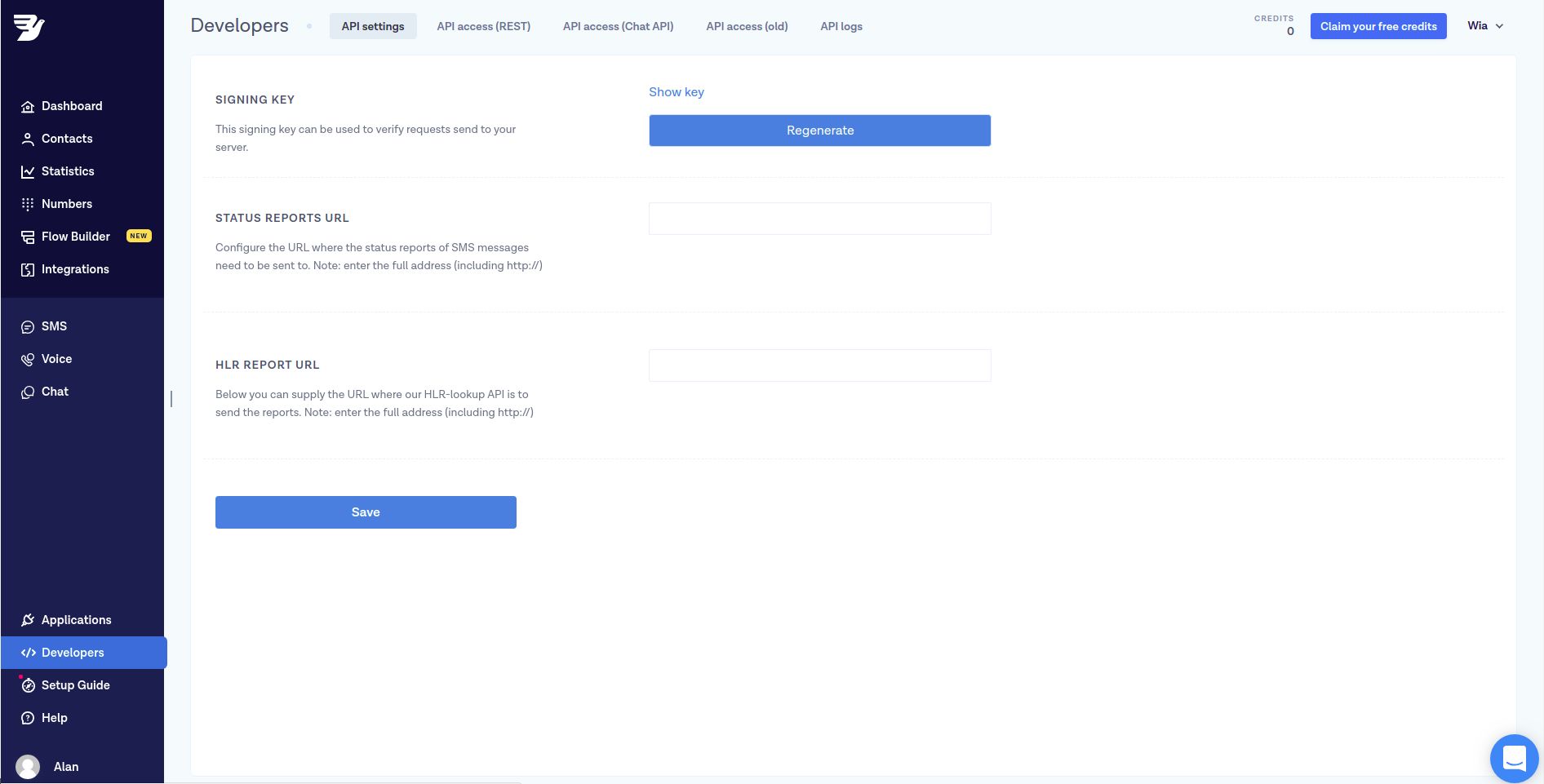
From there, click on the `API access (REST) tab
Click on the blue
Add access keybutton
Enter a description for your access key
Chose
livein order to send real texts and voicemails
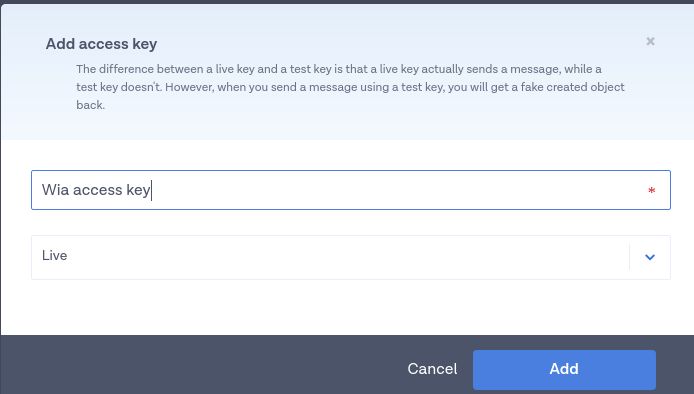
Click
show keyandcopyto copy the access key to your clipboard.Back in the Wia dashboard, paste the copied access key and click
Create Integration.
Create a Flow
In the Wia dashboard, go to Flows (Flow icon in left hand menu bar) and click create Flow
Enter a name for your Flow
You will then be redirected to the Flow Builder
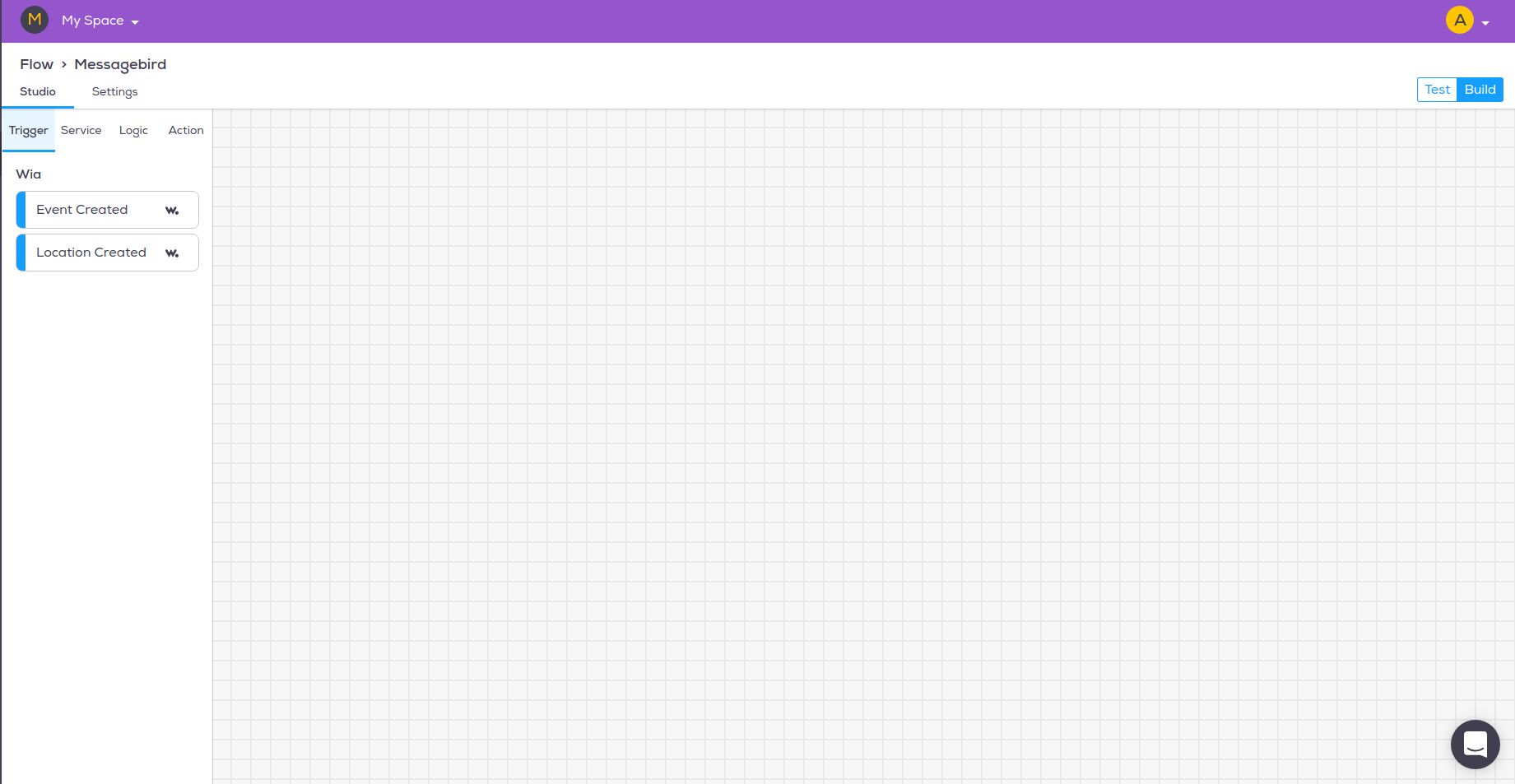
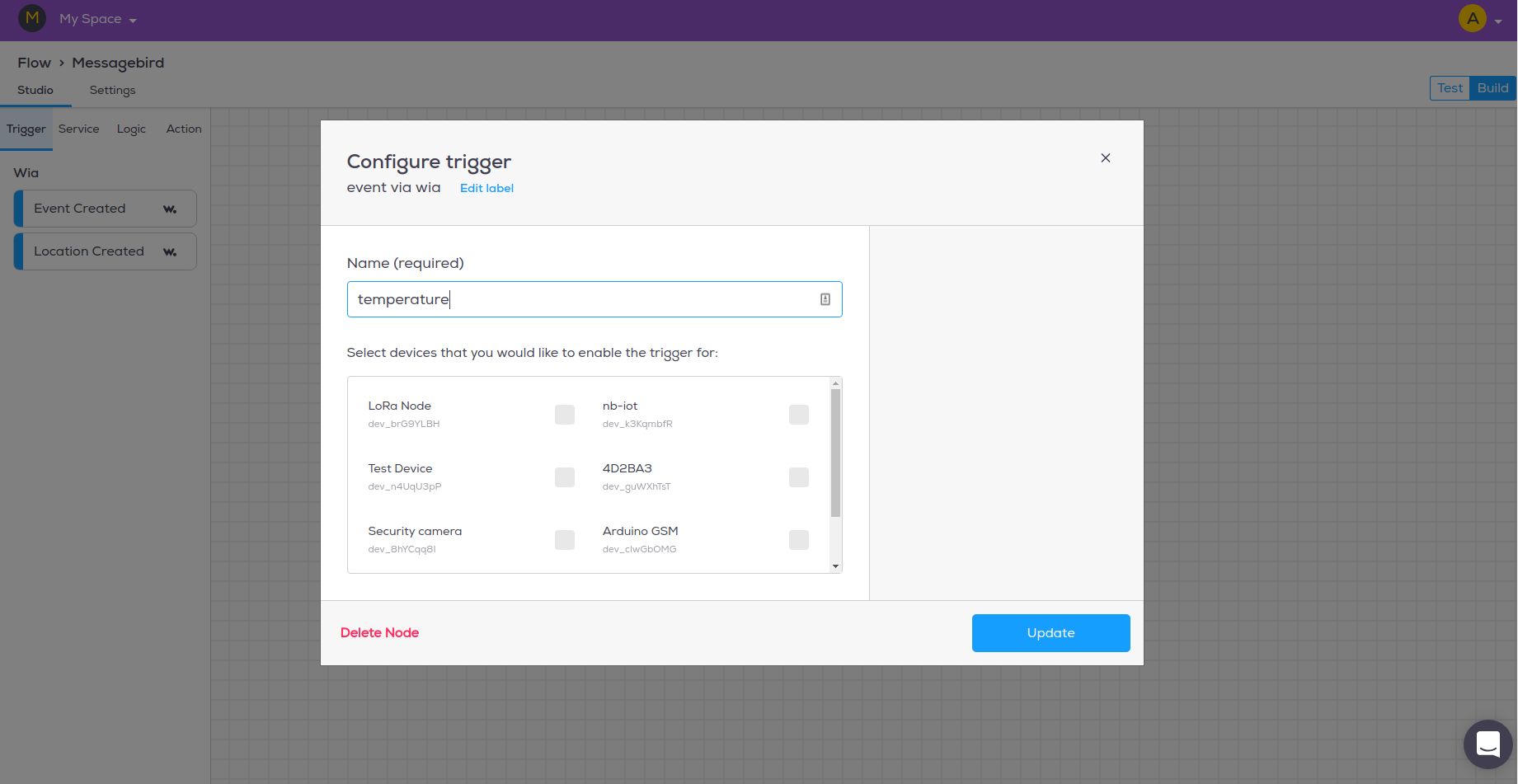
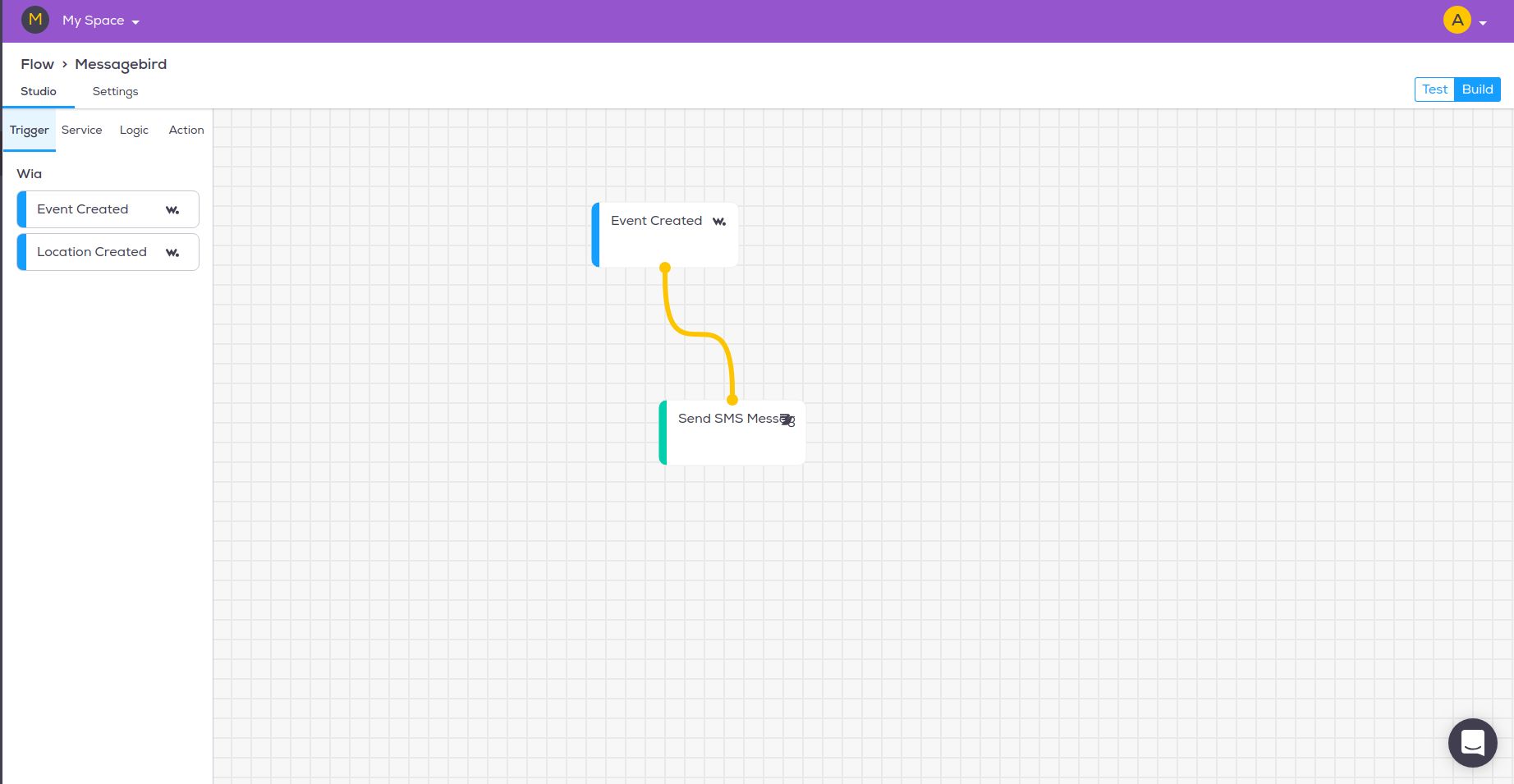
Add a Trigger Node
In the Flow Studio, drag over an
Event Createdtrigger node from the panel on the leftSelect the node, enter temperature as the name of the Event in the panel on the right
Select from on of your Devices and click Update
Add an Action Node
Drag over a
Send SMS Messageaction node from the MessageBird section in the panel on the leftSelect the node, then on the panel on the right, do the following:
Include an Originator (Your number or Name)
Enter the phone numbers (NOTE: enter the country code and have no spaces i.e. +14568893405)
Enter your Body message. I'm going to set mine as
Temperature is ${input.body.data}. This takes the temperature data from the Event we are going to send. You can see more variables by clicking the show variables panel linkClick Update to save your changes
Test the Flow
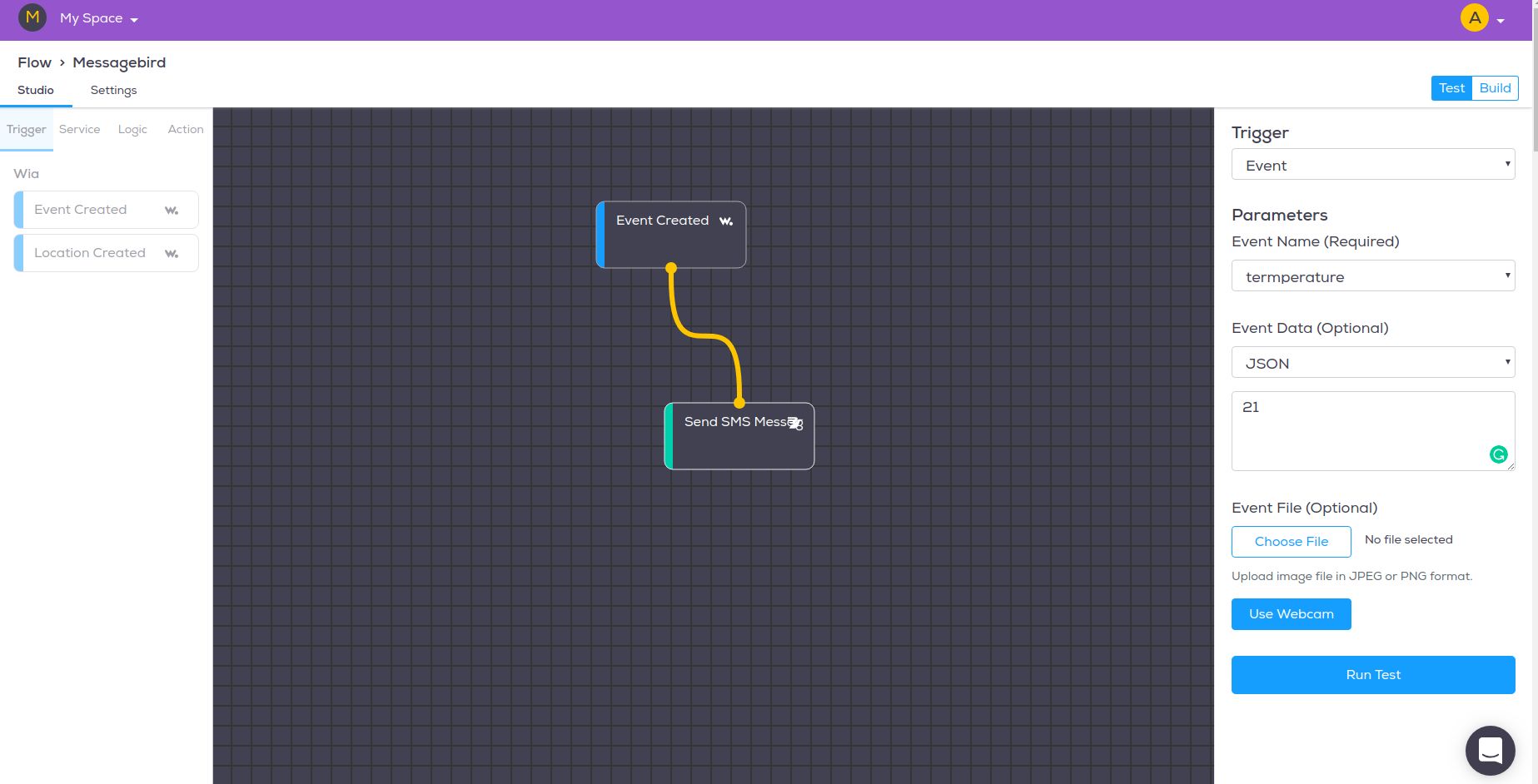
Click on
Testin the upper right-hand corner of the FlowEnter
temperatureas the parameterClick on
JSONas the Event dataEnter a temperature
Click on
Run Test
References
MessageBird is a cloud communications platform that connects enterprises to their global customers. Software teams use MessageBirds API to add capabilities like voice, video, and messaging to their applications. This enables businesses to provide the right communications experience for their customers.
